Best free virtual staging app for real estate in 2026
The best free virtual staging app gives you full-resolution, watermark-free photos to test on a real listing. Stagingmate stages a room in under a minute, and your first 10 photos are free, no card.
 By the Stagingmate teamUpdated October 9, 20264 min read
What does a free virtual staging app actually give you?
Looking for the best free virtual staging app for real estate? Most apps offer something free, but the details matter. We list what each one gives you free, and what it costs after that.
Before you put a free app's output on a listing, check that it's watermark-free, full resolution, and that the room itself hasn't been changed.
Why trust this comparison?
Stagingmate is our product, and we've listed it first. We've held it to the same format as every other tool, cons included.
For every other tool, we read its own website and pricing page on October 9, 2026 and recorded only what was published there, plus its rating on a public review site where one exists. Prices change often, so each review notes when we checked and links to the source.
The 7 best free virtual staging apps, reviewed
Here's an at-a-glance comparison. Each tool has its own section below with key features, pros, cons and pricing.
| Tool | Price per photo | Turnaround | Free trial | Styles | Declutter |
|---|---|---|---|---|---|
| 1. Stagingmate | $0.35–$0.95 | Under a minute | 10 photos, no card | 12, plus custom | Included |
| 2. Apply Design | $10.50–$15 (auto 2D) | 10–15 minutes | First image | — | Item removal |
| 3. PhotoUp | $3.30–$4.50 | 1–2 minutes | 5 credits, no card | 5 | Furniture removal |
| 4. ReimagineHome | — | 2–5 minutes (batch) | 5 designs, no card | — | — |
| 5. Pedra | €0.15–€0.29 | — | 7 credits, no card | — | Room emptying |
| 6. Collov AI | $0.24–$0.33 | 10 seconds | 5 watermarked images | — | Furniture removal |
| 7. HomeDesigns AI | About $0.02–$0.27 per design | About 30 seconds | 3 credits every 24 hours | — | Declutter |
Swipe the table sideways to see every column.
Prices and features as published on each tool's own site, checked October 9, 2026. A dash means the tool's site doesn't say.
1. StagingmateOur product
Best for: Agents and photographers who want staged listing photos in under a minute at a clear per-photo price
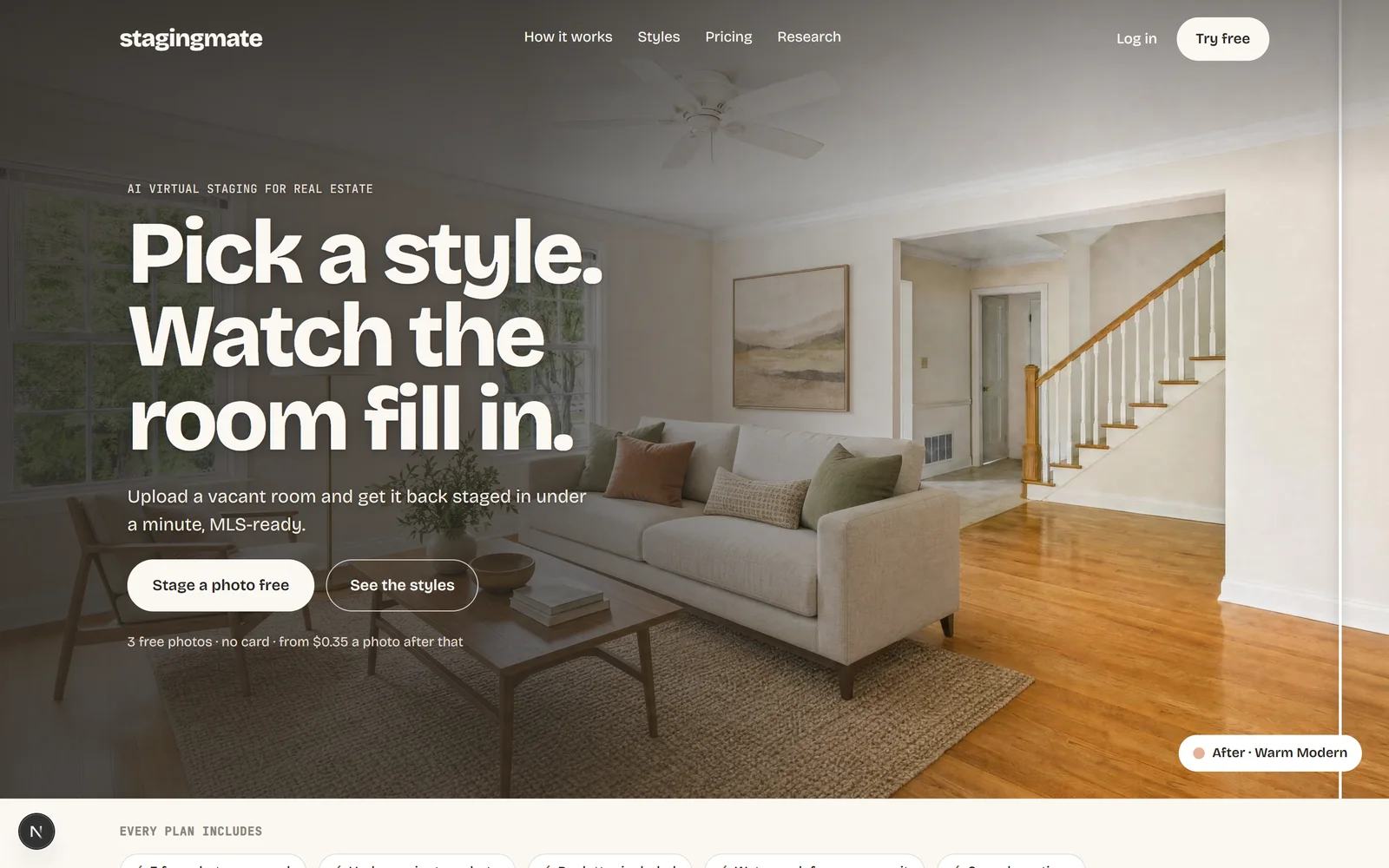
Stagingmate is AI virtual staging built only for real estate listing photos. Upload an empty or cluttered room, pick a room type and a style, and download a staged, watermark-free image in under a minute.
It's priced per photo and shows that price on every plan. Decluttering is included, and a regeneration or a chat edit uses 1 credit, the same as a new photo.
Stagingmate key features
- One-click staging: Pick a room type and a style, and get a staged photo, in under a minute.
- 13 styles: From transitional and modern to coastal, farmhouse and Japandi, plus custom styles built from your own reference photo.
- Declutter included: Remove existing furniture and clutter before staging, at no extra cost.
- Chat edits: Ask for changes like "add a rug", 1 credit each.
- MLS-ready output: High-res, watermark-free downloads.
Stagingmate pros
- 10 free photos, no credit card
- Per-photo price shown on every plan, from $0.35 a photo
- Decluttering included, plus chat edits
- Built for listing photos rather than home redesign
Stagingmate cons
- Newer tool, with fewer public reviews than older platforms
- AI only, with no human editor option for unusual rooms
- Regenerations and chat edits each use a credit (the free trial includes 1 regeneration per photo)
- No photo editing (HDR, twilight) yet
Stagingmate pricing
- Free: 10 photos, no card
- Starter: $19/month for 25 photos, or $13.30/month billed yearly ($159.60/year, 300 credits up front)
- Pro: $99/month for 200 photos, or $69.30/month billed yearly ($831.60/year, 2,400 credits up front, about $0.35 a photo)
- Yearly billing is 30% off
- Credit packs: $9.50 for 10, $21 for 25, $38 for 50, $67 for 100, $120 for 200
- Regenerations and chat edits: 1 credit each
Source: Stagingmate pricing
2. Apply Design
Best for: Agents who want to pay per photo and sometimes place furniture by hand
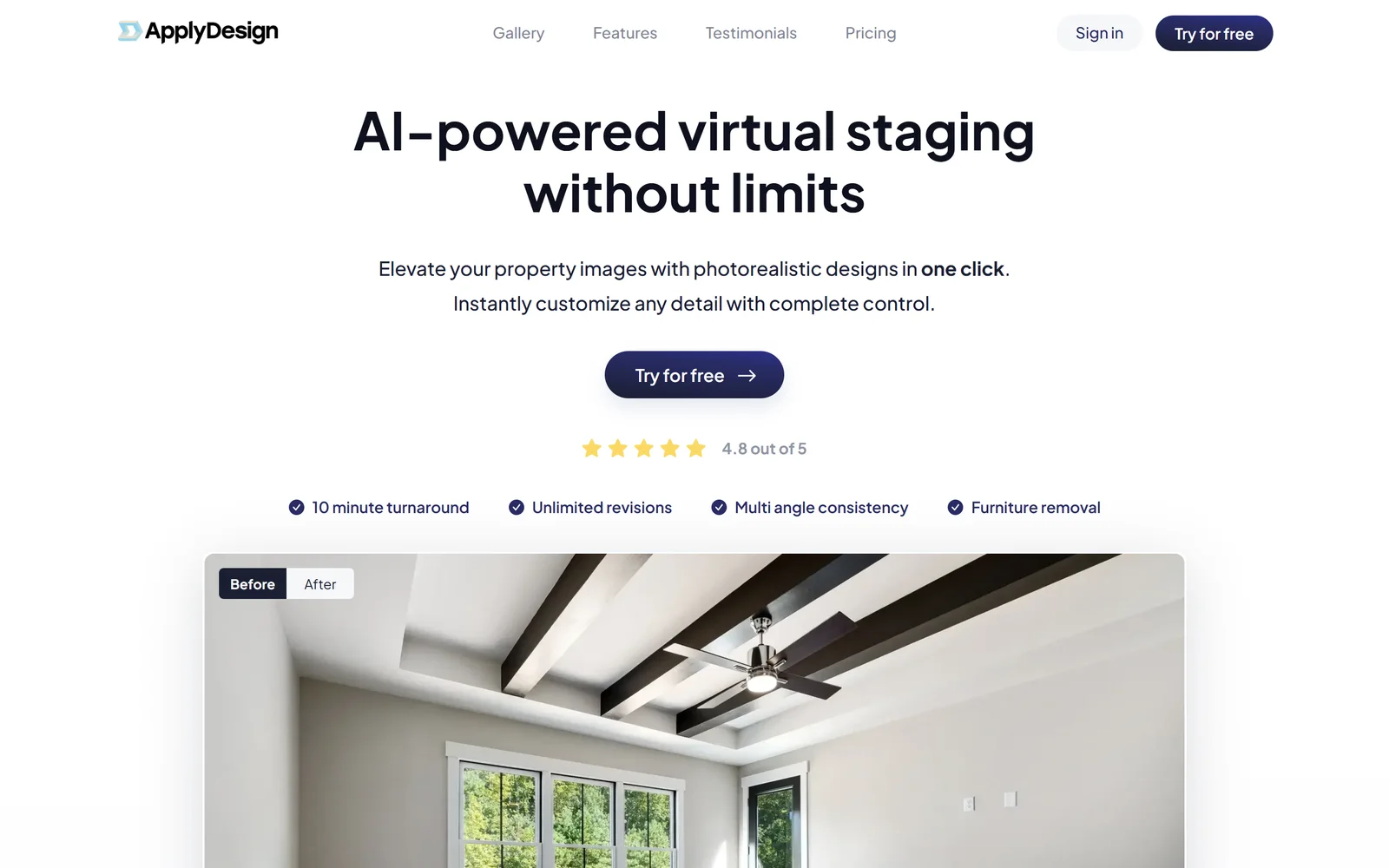
Apply Design sells prepaid coins that you spend on either one-click AI staging or a drag-and-drop editor where you design the room yourself. There's no subscription.
Apply Design key features
- Auto staging: One-click AI staging, 1.5 coins per 2D photo.
- DIY editor: Place pieces from an 18,000+ item catalog yourself, 1 coin per photo.
- 360° staging: Supported for both auto and DIY.
- Decluttering: One-click item removal.
- Unlimited revisions: Plus a money-back guarantee.
Apply Design pros
- First image free
- No subscription to cancel
- Choice of AI or hands-on design
Apply Design cons
- Auto staging works out to roughly $10.50–$15 per 2D photo
- Turnaround is quoted as 10 or 15 minutes on different pages
- Some reviewers mention low-quality results
Apply Design pricing
- Coins: $10 each (up to 9), $8 (10–19), $7 (20+)
- Auto staging: 1.5 coins per 2D photo, 2.5 per 360°
- DIY staging: 1 coin per 2D photo, 2 per 360°
Sources: applydesign.io/pricing · applydesign.io · trustpilot.com/review/applydesign.io. Checked October 9, 2026; prices change, so confirm before buying.
3. PhotoUp
Best for: Real estate photographers who already buy editing credits

PhotoUp is a credit-based platform for photo editing, floor plans, websites and tours. Its virtual staging is now AI self-serve and returns three options per image in a couple of minutes.
PhotoUp key features
- Three options per image: Pick the best staging result.
- Declutter first: Remove existing furniture before staging.
- Free revisions: Up to 10 within 5 days.
- Optional watermark: A 'Virtually Staged' label.
PhotoUp pros
- 5 free credits, no card
- Same credits cover editing and floor plans
- Optional dedicated human editors
PhotoUp cons
- About $3.30–$4.50 per staged photo on demand
- Only five staging styles
- Regeneration is disabled once you download
PhotoUp pricing
- AI staging: 3+ credits per image
- Credits: $1.50 each on demand, $1.10–$1.30 in packs
- Plans: Starter, Pro and Growth from $39/month
Sources: photoup.net/virtual-staging · photoup.net/virtual-staging/pricing · support.photoup.net/en/articles/11428711-ai-virtual-staging. Checked October 9, 2026; prices change, so confirm before buying.
4. ReimagineHome
Best for: Agents who want to batch-stage a whole listing and link shoppable products
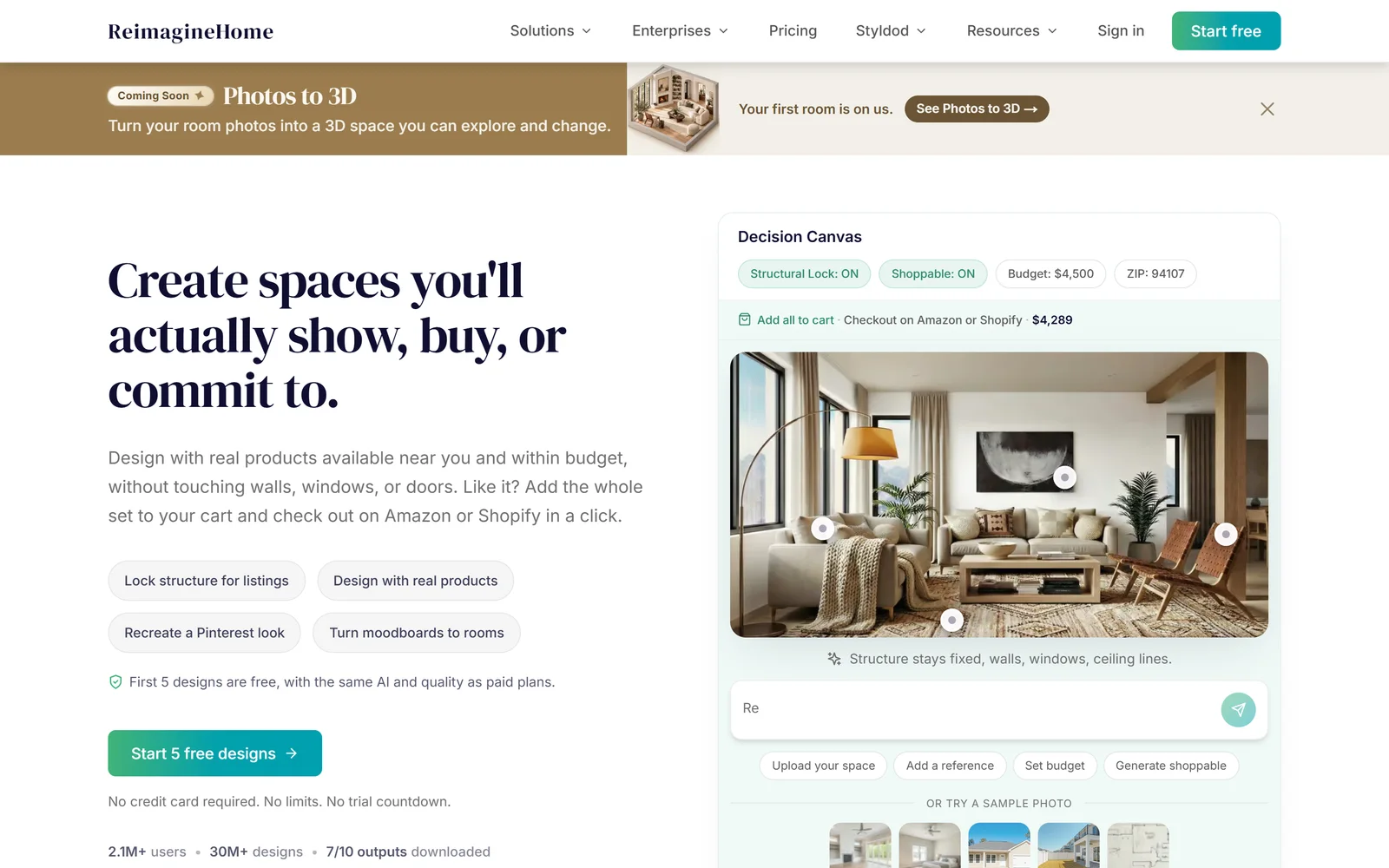
ReimagineHome is a credit-based AI design tool owned by Styldod. It stages, redesigns and landscapes photos, and lets you refine results by chatting with it.
ReimagineHome key features
- Batch staging: Up to 50 listing photos at once, sorted by room.
- Shoppable products: Real products from third-party retailers.
- Chat editing: Conversation doesn't cost credits.
- Reference matching: Match a moodboard or reference image.
ReimagineHome pros
- First 5 designs free, no card
- Batch workflow for full listings
- Interior and exterior
ReimagineHome cons
- Its pricing page lists a $14–$99/month range without mapping prices to plans
- 2–5 minute batch turnaround
- Few public reviews
ReimagineHome pricing
- Plans: Essential, Pro, Advanced, Agency ($14–$99/month range shown)
- 1 credit per design, 2 with real products
Sources: reimaginehome.ai/pricing · reimaginehome.ai · trustpilot.com/review/reimaginehome.ai · styldod.com/virtual-staging. Checked October 9, 2026; prices change, so confirm before buying.
5. Pedra
Best for: European agencies that want staging, video and 360° tours on one subscription
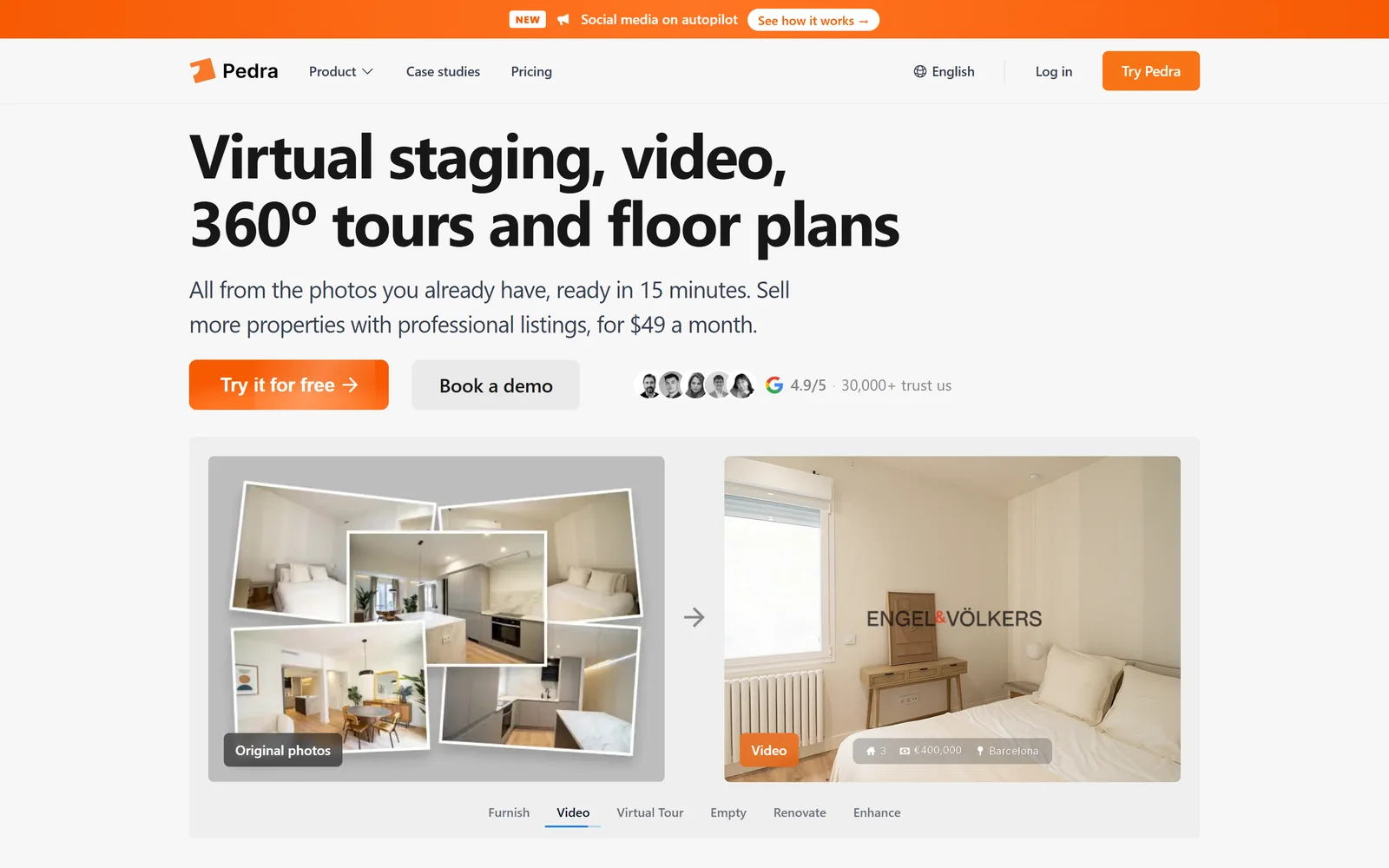
Pedra is an AI marketing platform built only for real estate. It turns listing photos into staged, emptied or renovated rooms, and adds videos, 360° tours and floor plans.
Pedra key features
- Staging, emptying, renovation: 1 credit each.
- Unlimited videos: With voiceover, music and branding.
- 360° tours: With staging inside the tour.
- Portal publishing: Direct to portals and social media.
Pedra pros
- About €0.15–€0.29 per staged photo
- 7 free credits, no card
- Videos and tours included
Pedra cons
- Priced in euros
- One plan, so less flexibility for occasional use
- No public turnaround time
Pedra pricing
- Pro monthly: €29/month (100 credits)
- Pro annual: €239/year (1,200 credits)
- Extra credits: from €52 for 200
Sources: pedra.ai · pedra.ai/pricing · trustpilot.com/review/pedra.ai. Checked October 9, 2026; prices change, so confirm before buying.
6. Collov AI
Best for: Teams that want staging plus 360° and 3D tours under one subscription

Collov AI is a subscription staging tool that also offers AI photo editing, virtual tours, 360° and 3D tours, and an API. One photo credit buys one staging generation.
Collov AI key features
- 10-second turnaround: Listed as a Standard plan feature.
- Multi-angle staging: Keeps the same furniture across photos of one room.
- AI Chat Edit: Edit results by describing changes.
- Tours: Virtual, 360° panorama and 3D tours.
- API: On the Enterprise plan.
Collov AI pros
- Low per-image cost on larger plans (about $0.24–$0.33)
- Multi-angle consistency
- Broad feature set beyond staging
Collov AI cons
- Free trial images are watermarked
- Credits reset monthly
- Trustpilot 2.8/5, with complaints about billing and the AI altering room layouts
Collov AI pricing
- Standard: $19/month
- Advanced: $49/month
- Premium: $79/month
- Enterprise: $127/month
Sources: collov.ai/pricing · trustpilot.com/review/collov.ai. Checked October 9, 2026; prices change, so confirm before buying.
7. HomeDesigns AI
Best for: Users who want redesign, staging and garden design in one app
HomeDesigns AI is an all-in-one home design app covering interiors, exteriors and gardens, with virtual staging, declutter, material swaps and video walkthroughs.
HomeDesigns AI key features
- Structure-Lock: Aims to keep walls, windows and layout.
- Declutter and material swap: Included tools.
- Video walkthroughs: And 2D-to-3D floor plans.
- API and white label: For businesses.
HomeDesigns AI pros
- Low cost per design on larger plans
- 3 free credits every 24 hours
- Broad toolset
HomeDesigns AI cons
- Built mainly for redesign, not listing workflows
- The site is unclear on which tier includes staging
- Trustpilot reviewers mention auto-renewal charges
HomeDesigns AI pricing
- Standard: $27/month
- Pro: $29/month
- Expert: $37/month
Sources: homedesigns.ai/pricing · homedesigns.ai · trustpilot.com/review/homedesigns.ai. Checked October 9, 2026; prices change, so confirm before buying.
How to choose a free virtual staging app for listings
The right tool depends less on feature lists and more on how you list homes: how many photos, how fast, and how much you want to spend per photo.
- Fast, low-cost staging for every listing: Pick an AI self-serve tool such as Stagingmate, Apply Design or PhotoUp. Results arrive in seconds or minutes, at a fraction of a per-photo service price.
- Occasional use: Pick a tool with pay-as-you-go credits or packs so you're not paying a subscription between listings, for example Stagingmate, Apply Design or PhotoUp.
- Photographers adding staging to a shoot: Pick a tool that fits your editing workflow and lets you resell staging per photo, such as Stagingmate or PhotoUp.
Why we built Stagingmate
Most staging tools make you choose between fast and cheap AI that's built for home redesign, or human editors who take a day or two and charge per photo.
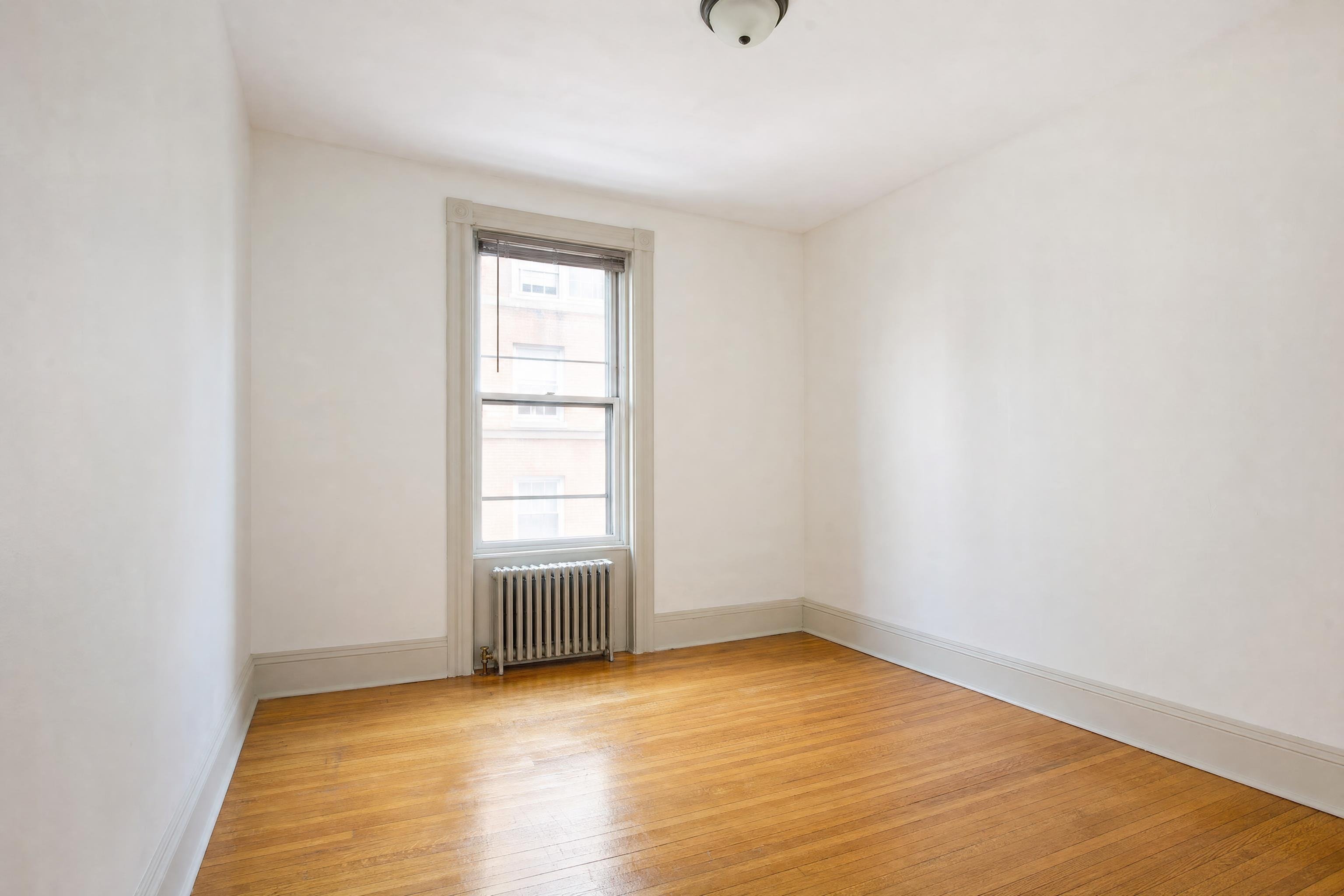
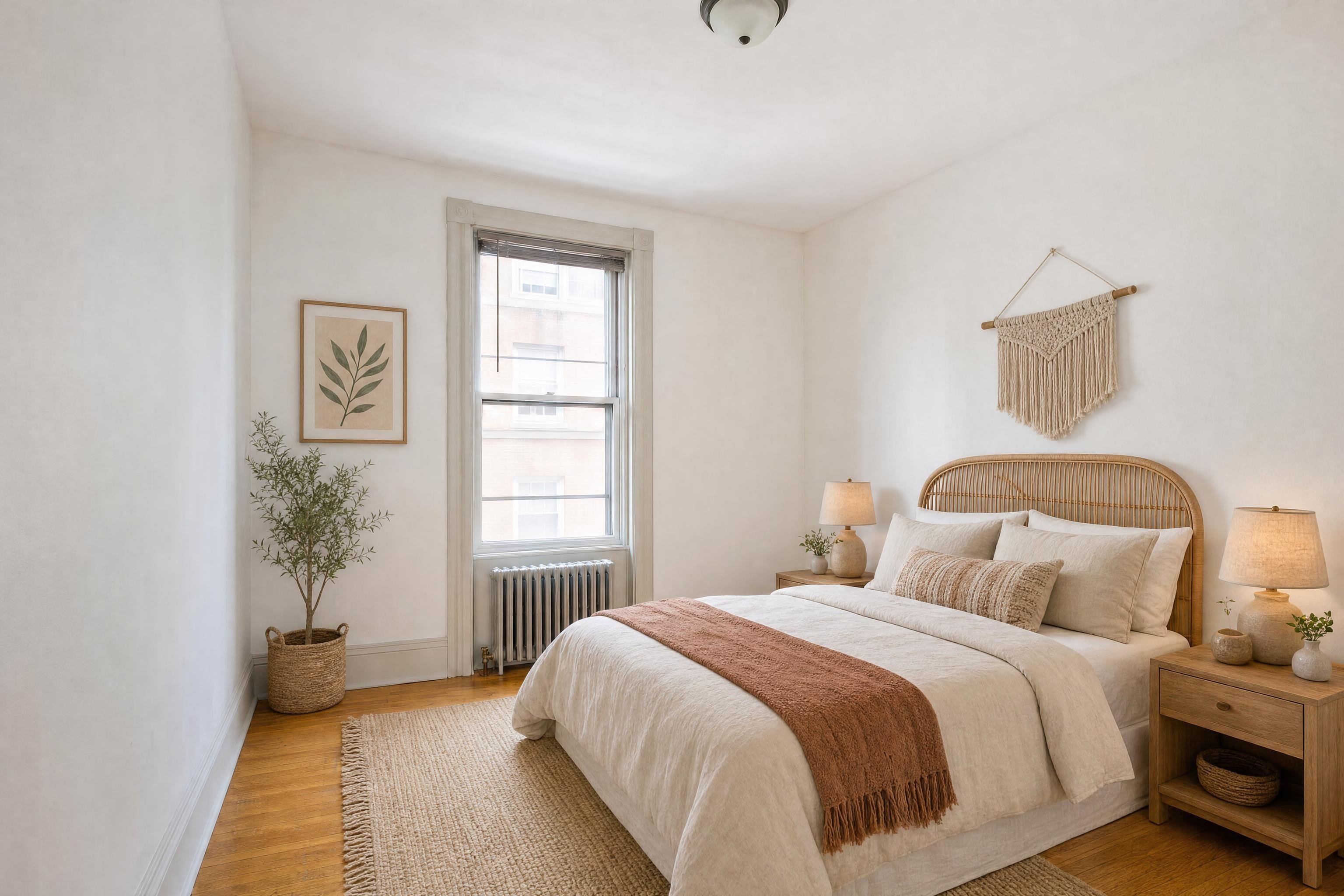
Stagingmate is AI staging built only for listing photos: under a minute per photo, a clear per-photo price, decluttering included, and 10 free photos to try it on a real listing.
Free virtual staging app FAQs
1. Is there a completely free virtual staging app?
Not for ongoing use. Every app we checked offers a free trial or a small free allowance, then charges.
2. Which free virtual staging app has no watermark?
Stagingmate's 10 free photos are watermark-free. Collov AI's trial images are watermarked.
3. What do the free trials include?
When we checked: Stagingmate, 10 photos with no card; Apply Design, your first image; PhotoUp, 5 credits with no card; ReimagineHome, 5 designs with no card; Pedra, 7 credits with no card; Collov AI, 5 watermarked images; HomeDesigns AI, 3 credits every 24 hours.
4. What is the best free virtual staging app for real estate?
For listing photos, Stagingmate: the free photos are full resolution and watermark-free, the room is kept as it is, and each one is ready in under a minute. If you want to place furniture yourself, Apply Design's first image is free.