Virtual staging for dining rooms
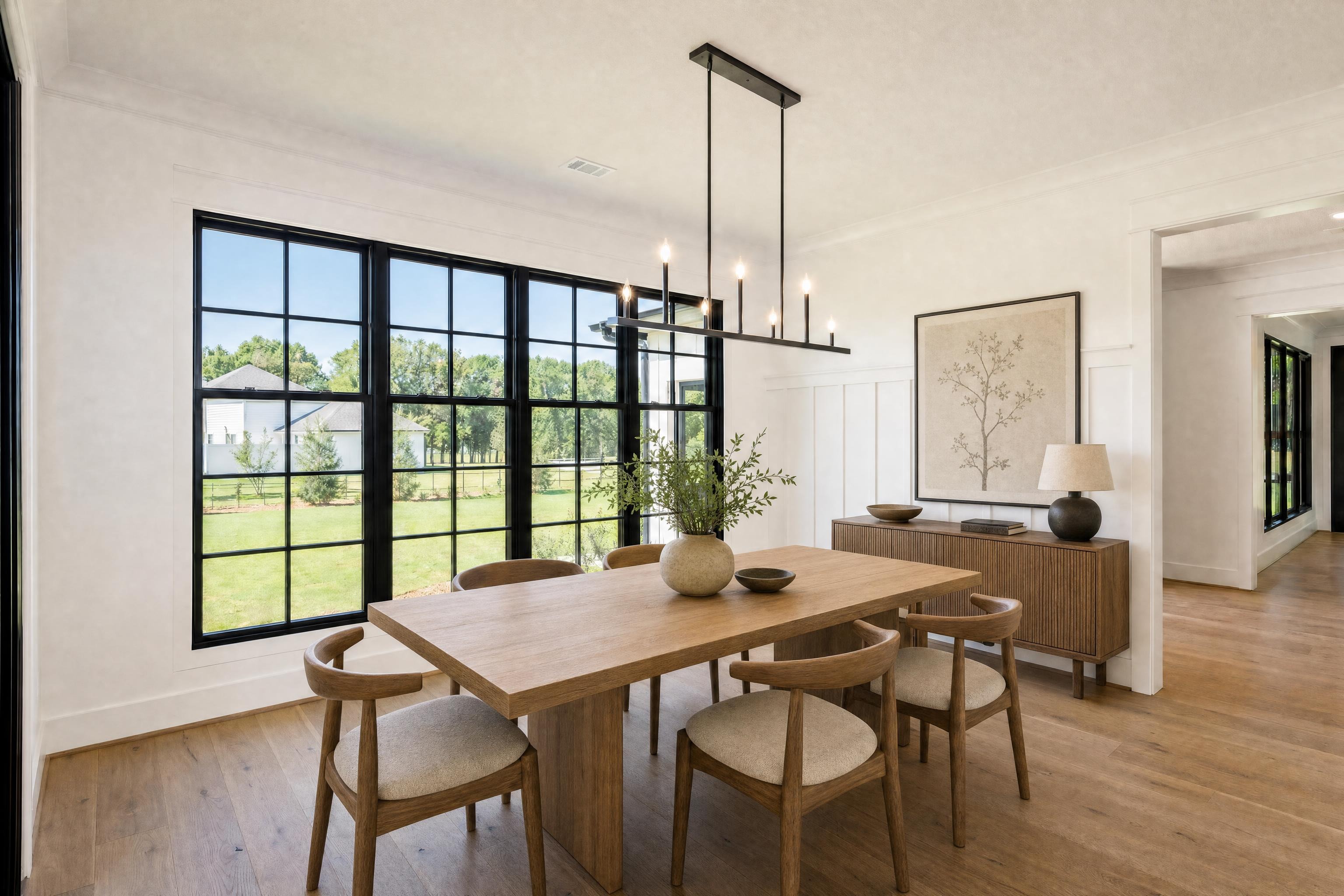
Virtual staging for dining rooms adds a table, chairs and a rug sized to the real room, so buyers see how many it seats. Get the staged photo in under a minute and try 10 free, no card.
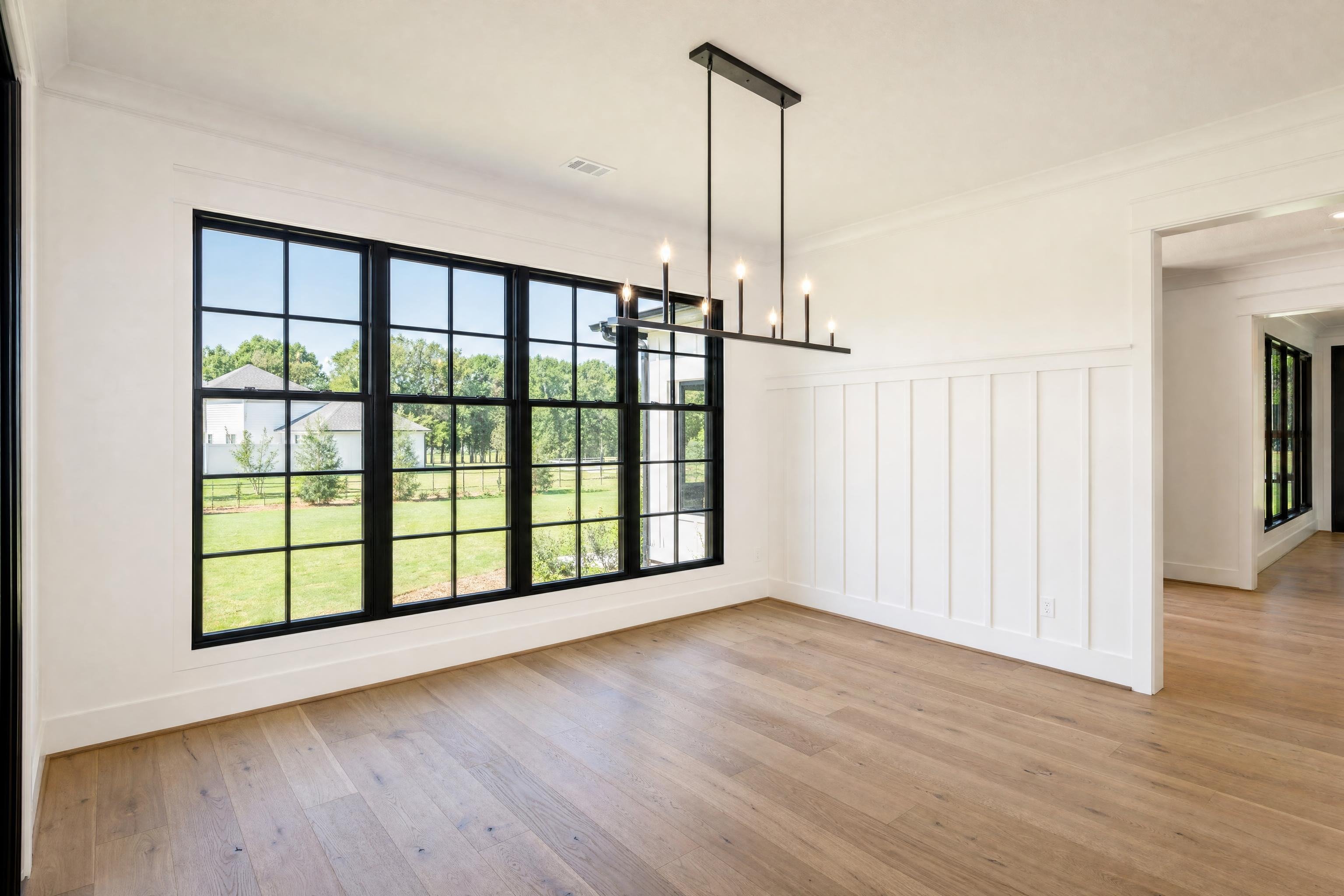
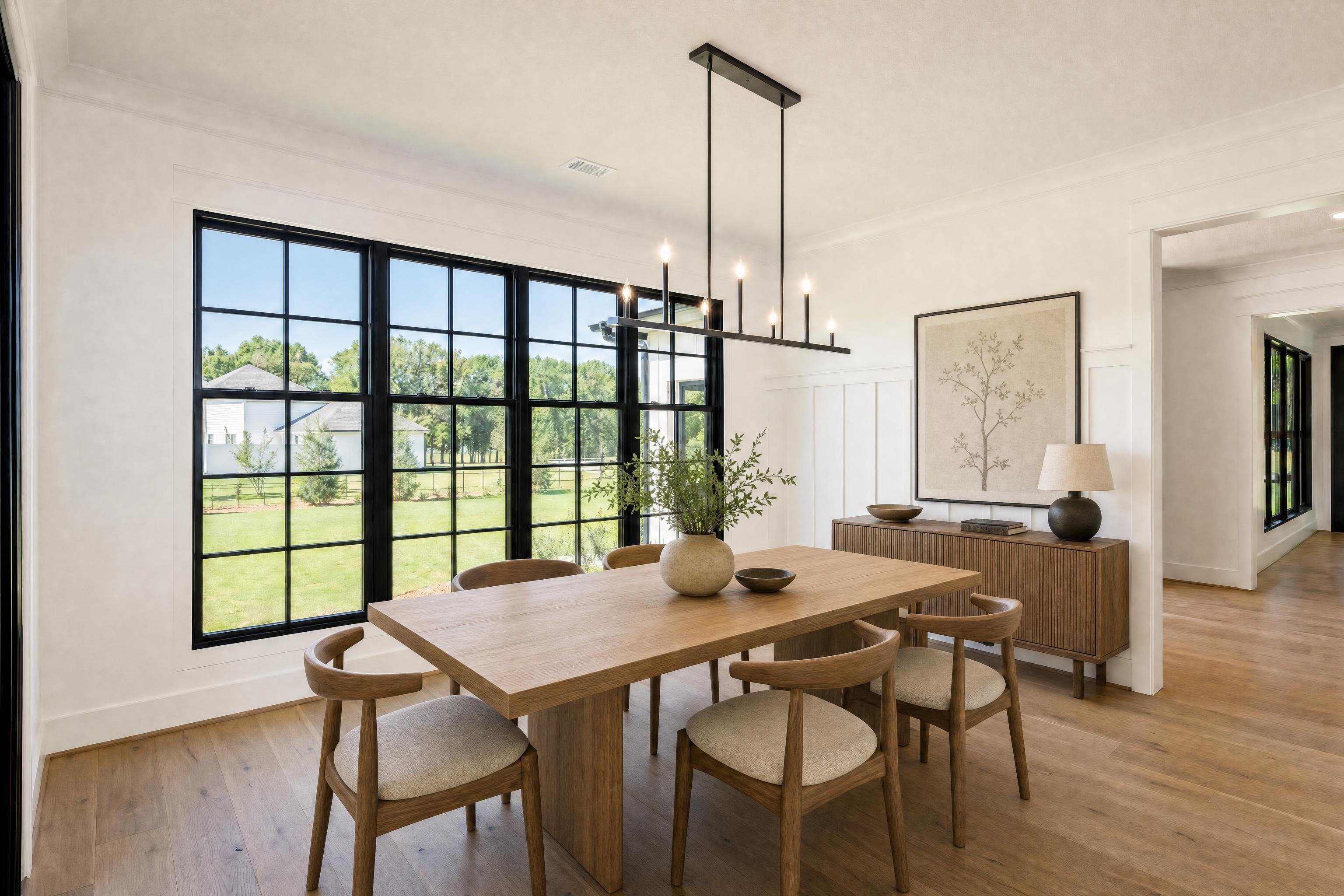
What a staged dining room shows buyers
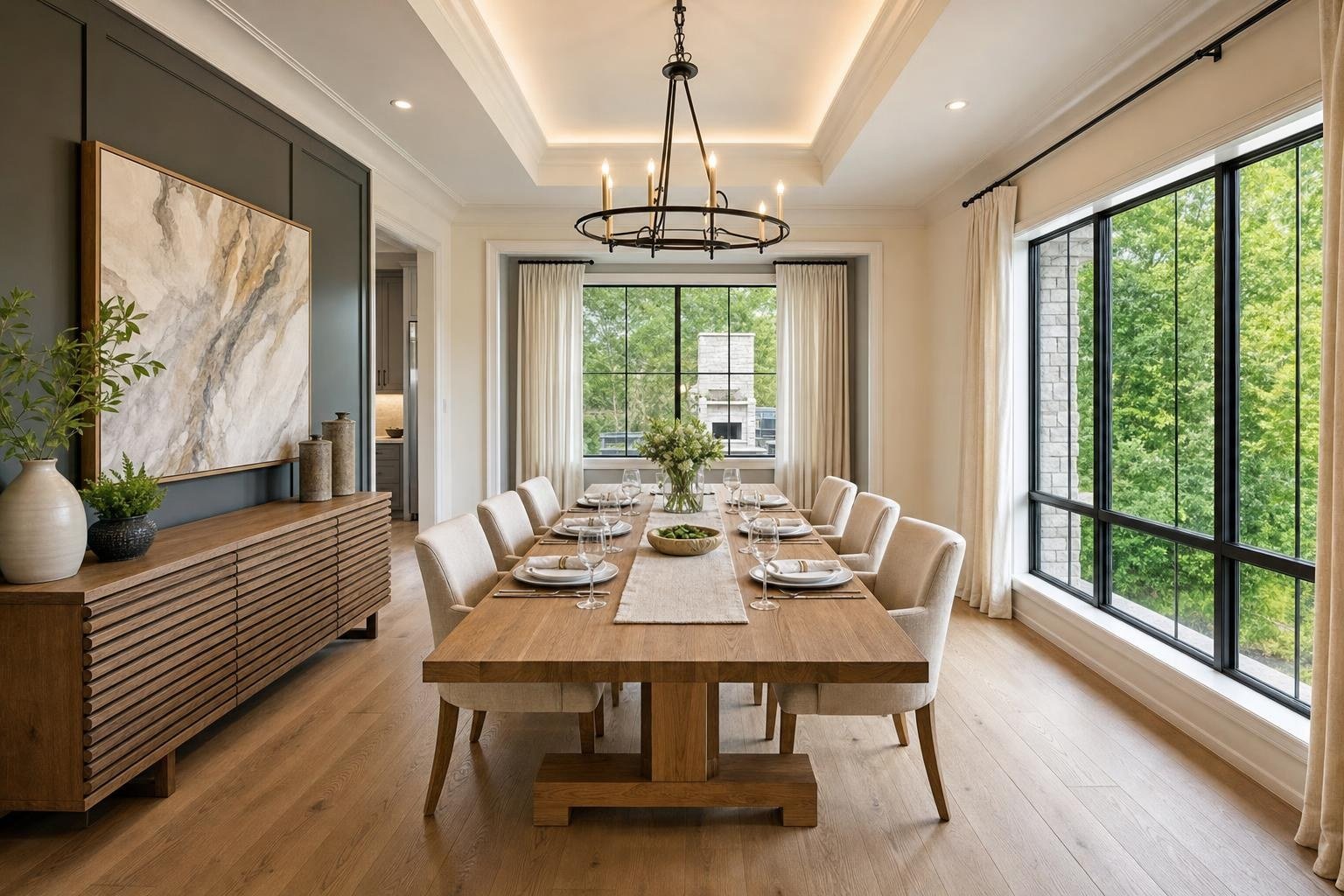
How many people the table seats
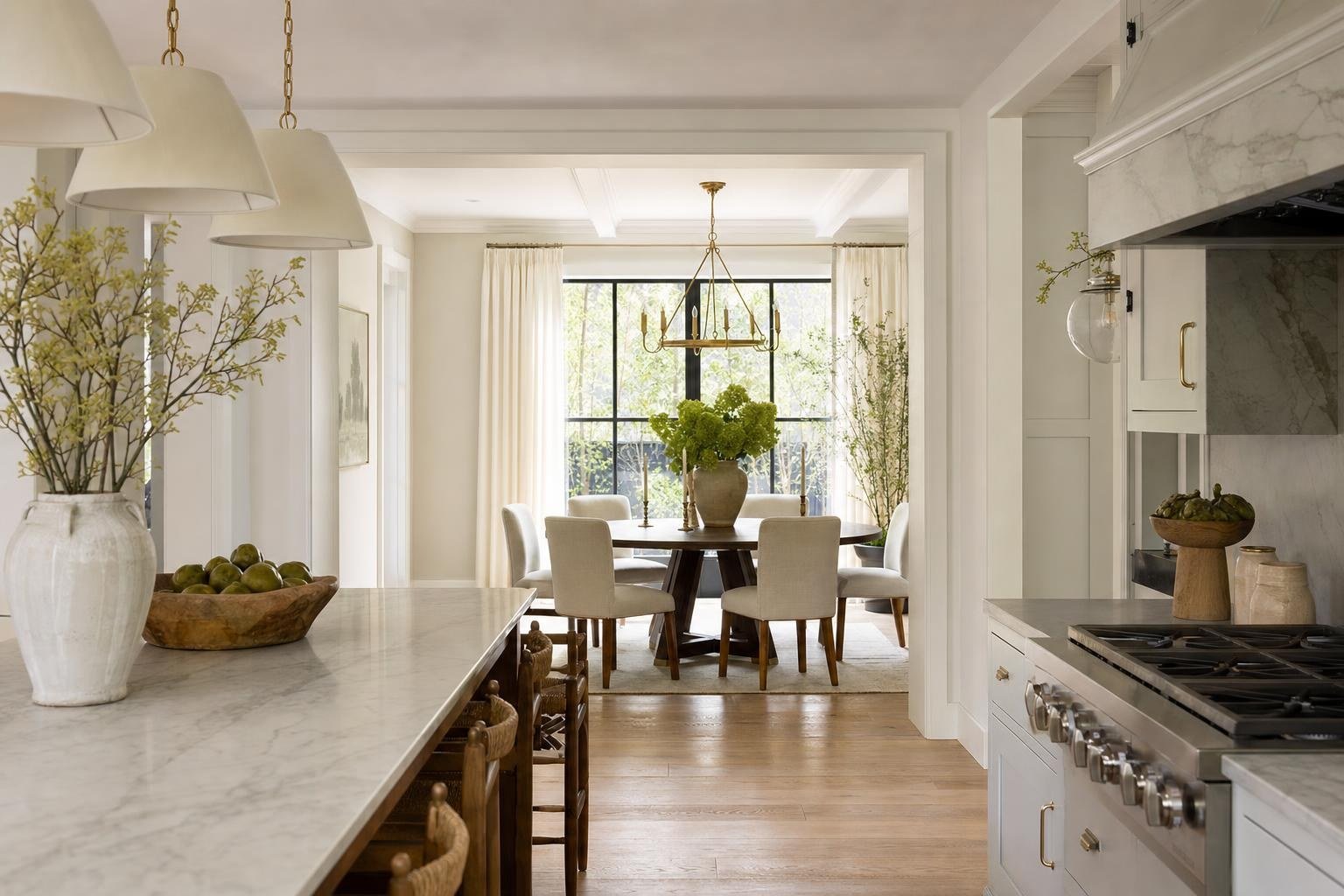
Flow between the kitchen and dining area
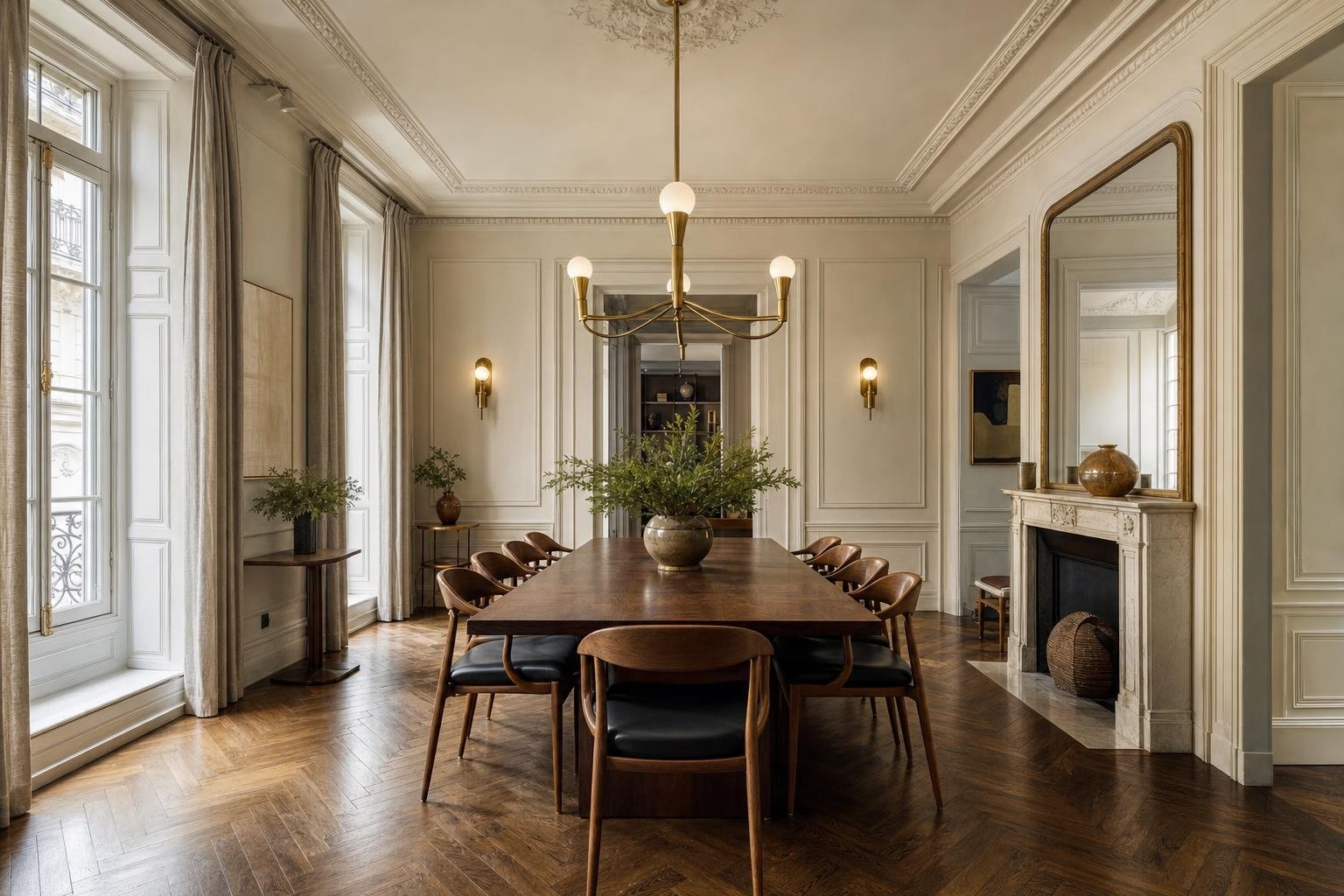
Where lighting fixtures sit relative to the table
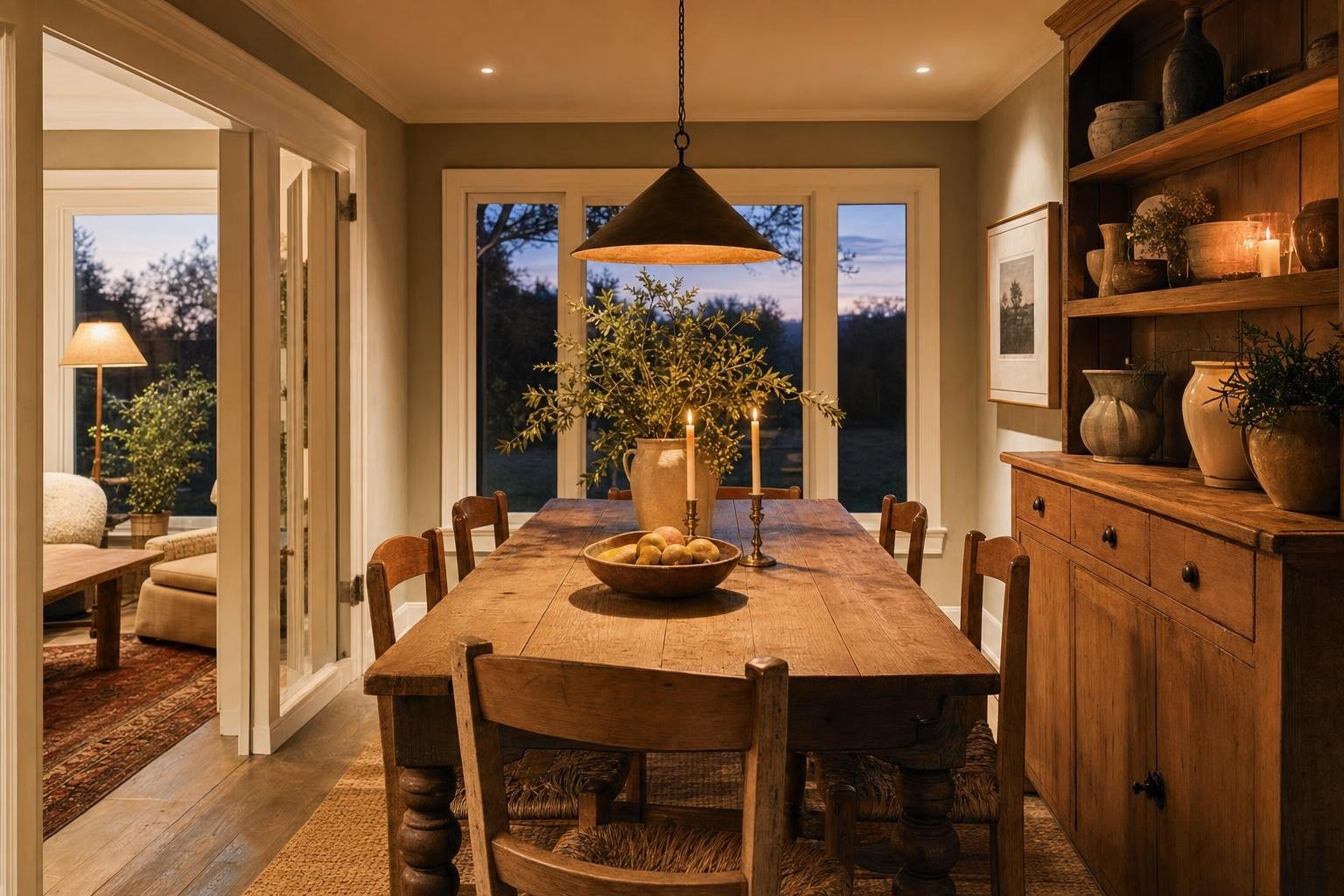
Empty rooms read cold online. Staged ones don't.
How to virtually stage a dining room
Shoot the dining room from a corner at about chest height, so the camera sees two walls and the floor between them. That gives the staging room to place a table at the right scale.
Upload the photo, set the room type to Dining room and pick a style. Stagingmate keeps the walls, windows, floors and light fixtures, and adds the table, chairs, rug, art and a centerpiece. If the seller's furniture is still there, virtual decluttering removes it in the same step.
Want a different table? Ask in plain words, like "make it a round table for four", and the edit is back in under a minute for 1 credit.
What size table should a staged dining room show?
Show the table the room can really hold, with space to pull the chairs out: about 36 inches between the table edge and the wall or the nearest furniture.
A table for four suits a small dining area or eat-in kitchen, six suits most separate dining rooms, and eight is for large formal rooms. A table that is too big makes the room look crowded in the photo.
Staging open-plan kitchen and dining areas
In an open plan, the dining table is what tells buyers where the kitchen ends and the living room starts. Center it under the pendant light if there is one, and line it up with the kitchen island.
If the kitchen itself is dated, a virtual renovation concept can show new cabinets and counters next to the staged dining area.
What virtual dining room staging costs
Each staged photo uses 1 credit: $0.76 on Starter ($19 a month for 25 photos), $0.50 on Pro, or $0.60 to $0.95 with credit packs. Most listings need one or two dining room photos, so the room costs about a dollar or two. Compare plans on the pricing page.
How virtual staging works in three steps
No designer back-and-forth and no waiting overnight.
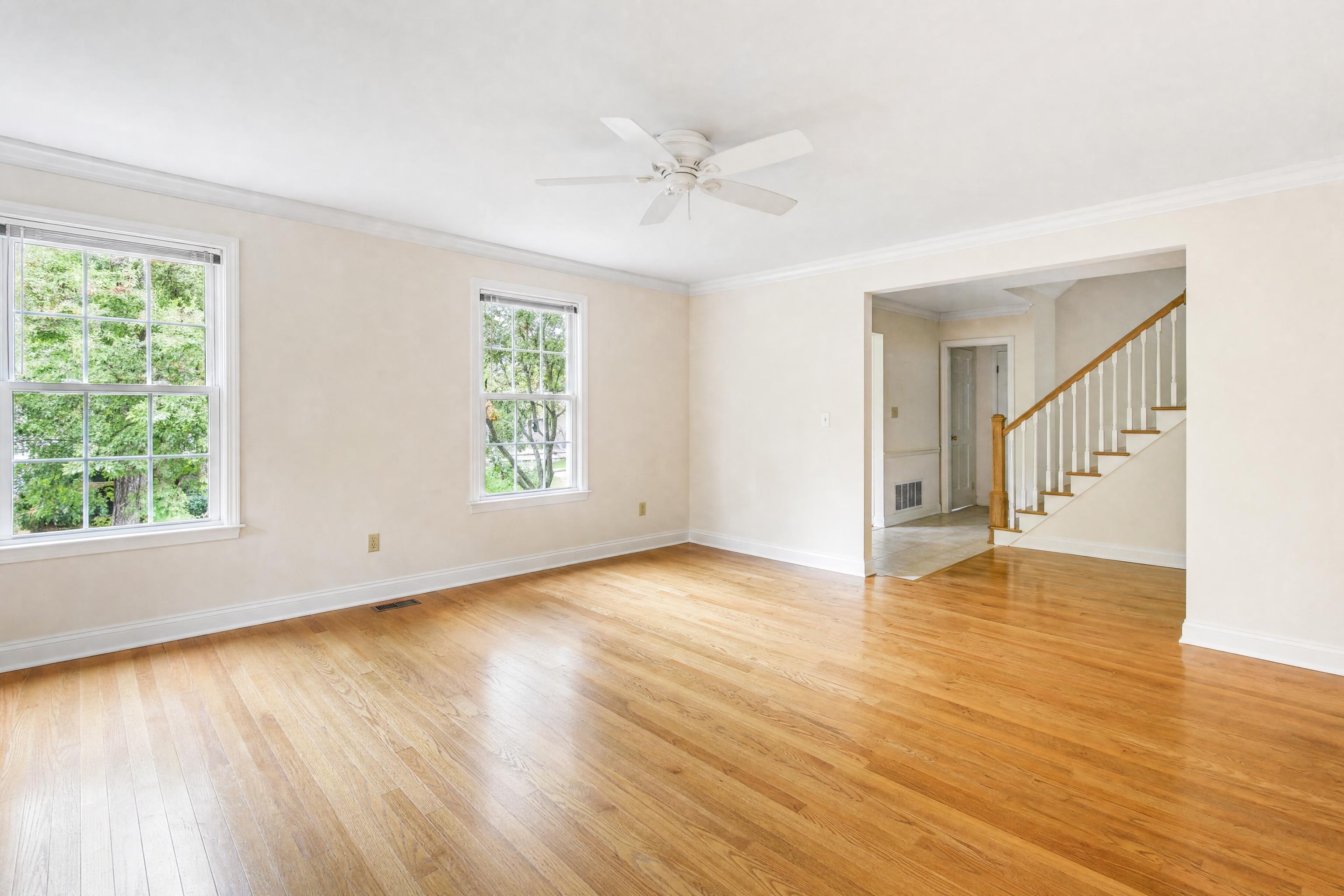
Empty or cluttered. Phone photos work.
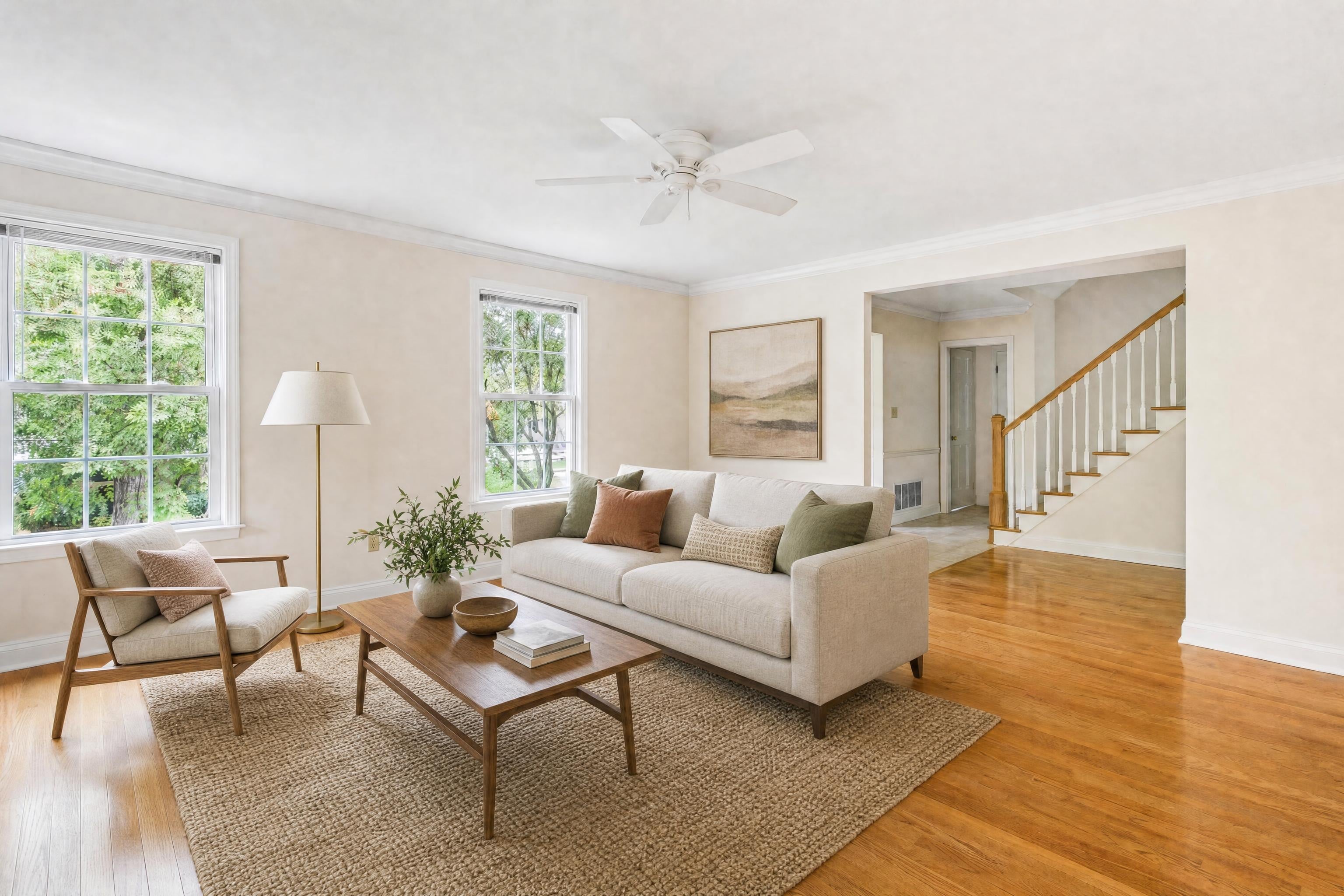 Warm Modern
Tap a style to see the room furnished in it. 13 styles, or build your own from a reference photo.
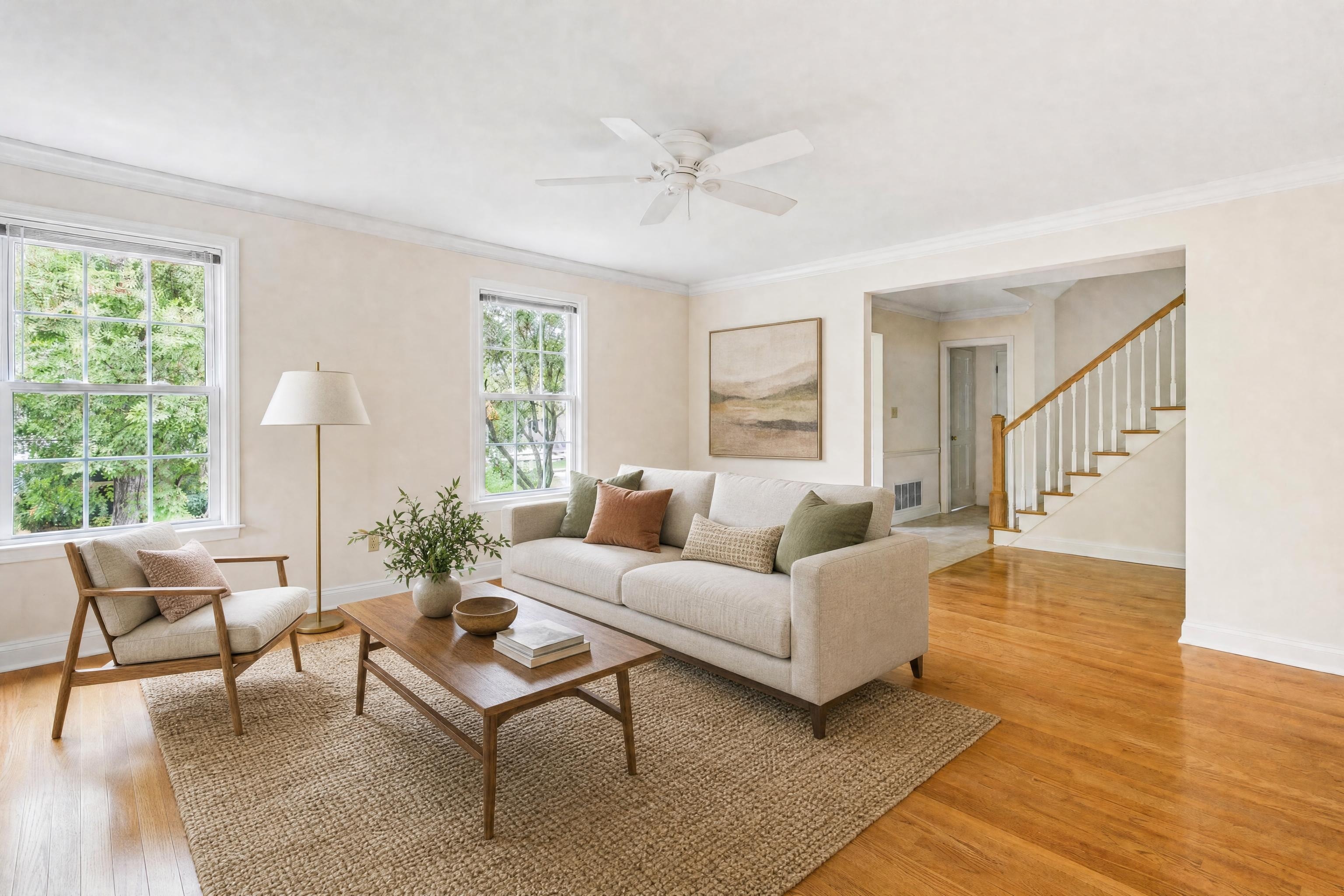 ↓ Download
Full resolution and watermark-free, ready for the MLS, Zillow and social.
Styles that suit a dining room
These read best in this room. Click to restage.
Dining room · JapandiQuestions agents ask
Under a minute per photo. Upload the photo, choose a style and download a full-resolution, watermark-free image ready for the MLS.
Yes. Declutter removes the existing furniture first, then the empty room is staged. It's included at no extra cost.
Most agents add a short "virtually staged" note to the photo caption, which is the common practice on MLS listings. It takes seconds and buyers are used to seeing it.
You do. Every image you create with Stagingmate is yours to use on the MLS, Zillow, social media and print, with no watermark.
Other rooms and styles
Virtual staging for your dining room, in under a minute.
10 free photos. No card. Under a minute a room.