Virtual staging software for real estate
Stagingmate is virtual staging software that furnishes an empty room photo with AI in under a minute, with no design skills or download needed. Try 10 photos free, no card.
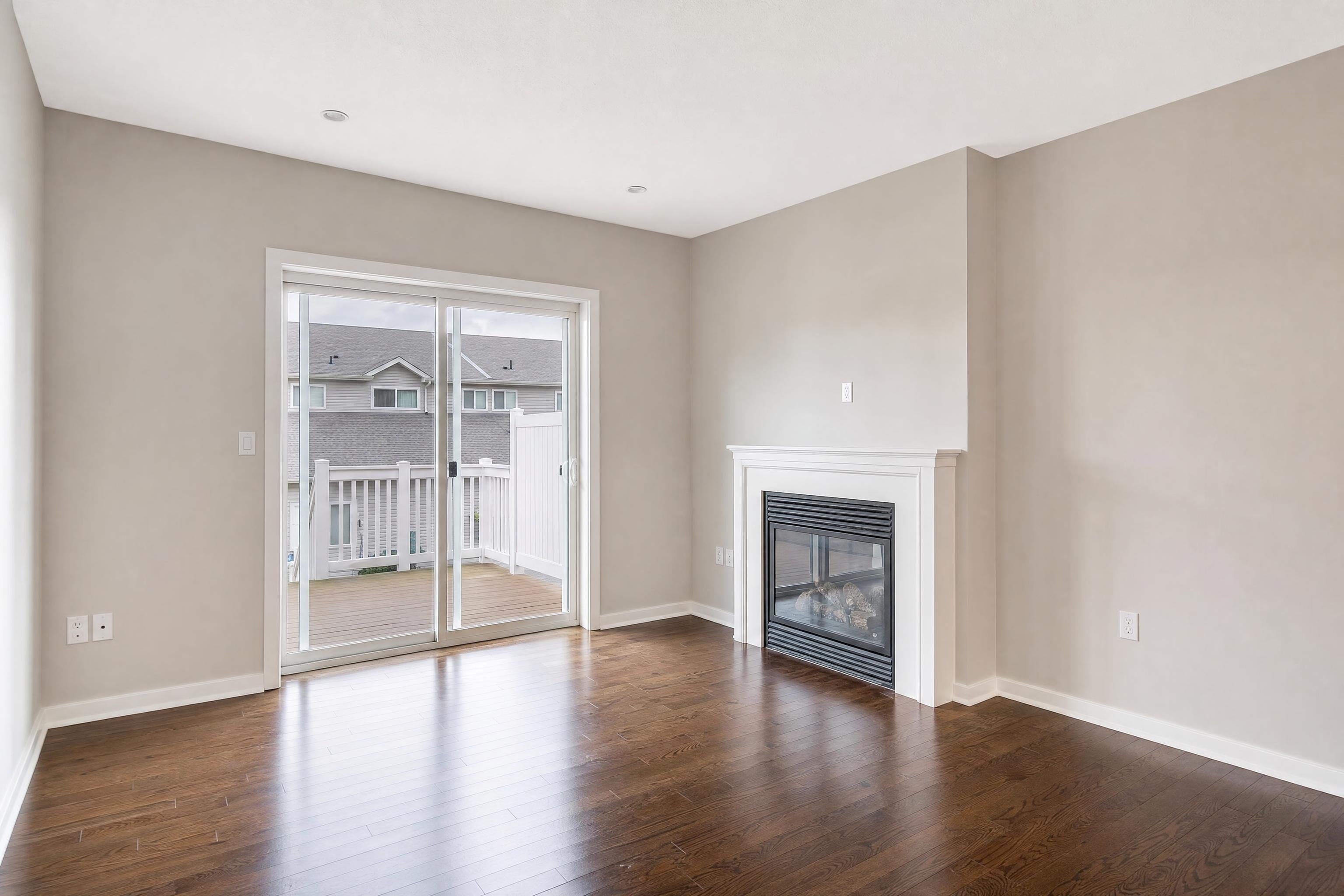
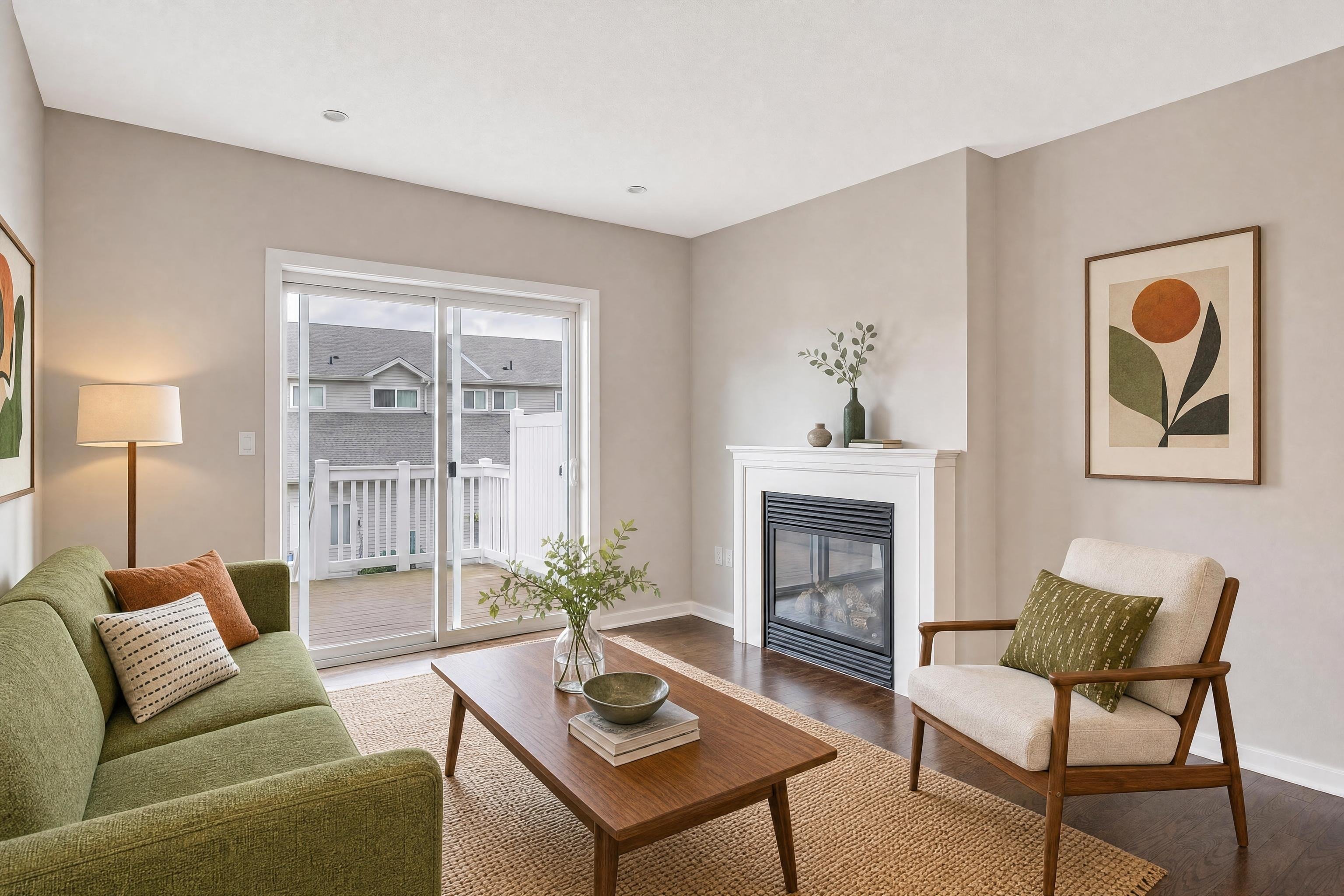
What virtual staging software does
It's home staging software for listing photos, not a 3D design program, so the room's walls, floors, windows and fixtures stay as photographed.
Digital staging: manual software vs AI
Older digital home staging software, the kind that predates digital staging with AI, asks you to place 3D furniture models by hand, which takes time and skill. Staging design software of that kind suits designers, not agents on a listing deadline.
AI virtual home staging software does the layout, scale and lighting for you. You choose the style and download the result, which is why most software for virtual staging has moved to AI.
2026 guide to AI virtual staging tools for real estate
The AI virtual staging tools for real estate in 2026 fall into two groups: tools built for listing photos, which keep the room as it is, and general design apps, which redraw it for inspiration. For a listing, pick the first kind.
Compare them on price per image, whether decluttering is included, how many styles you get, and whether you can edit a result without starting over. Our guide to the best virtual staging software goes tool by tool.
Real estate virtual staging software, built for listings
This is virtual staging software for real estate first: the output is sized and finished for the MLS, Zillow and social, not for a design portfolio.
How the virtual home staging software market changed
A few years ago, house staging software meant a desktop program, a furniture library and an afternoon per room. Now staging software runs in the browser and an AI places the furniture, so the cost per photo has dropped from dollars to cents.
Virtual staging software pricing
Starter is $19/month for 25 images, Pro is $99/month for 200, and both cost 30% less billed yearly. Credit packs start at $9.50 for 10 images. Your first 10 images are free, with no card.
How virtual staging works in three steps
No designer back-and-forth and no waiting overnight.
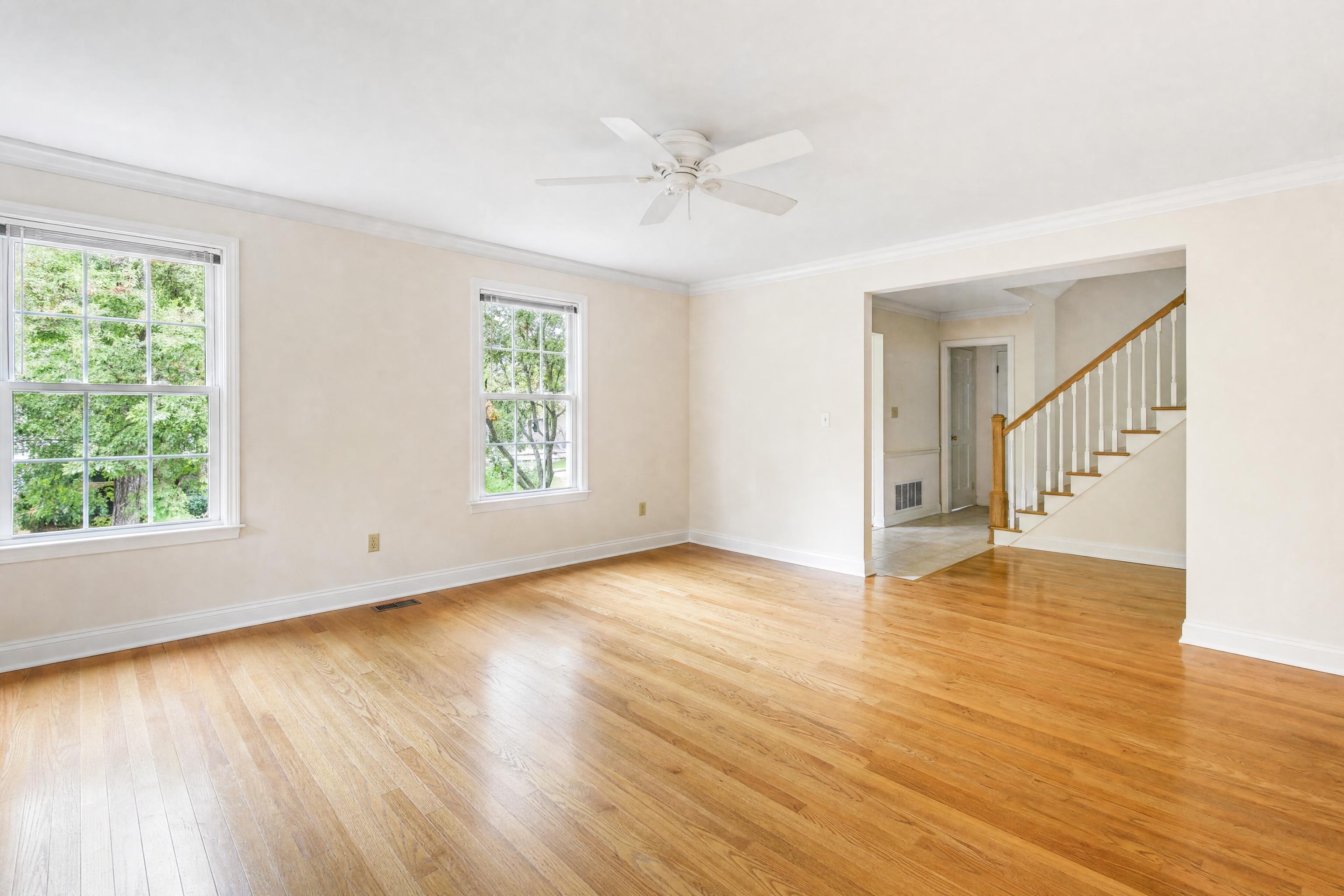
Empty or cluttered. Phone photos work.
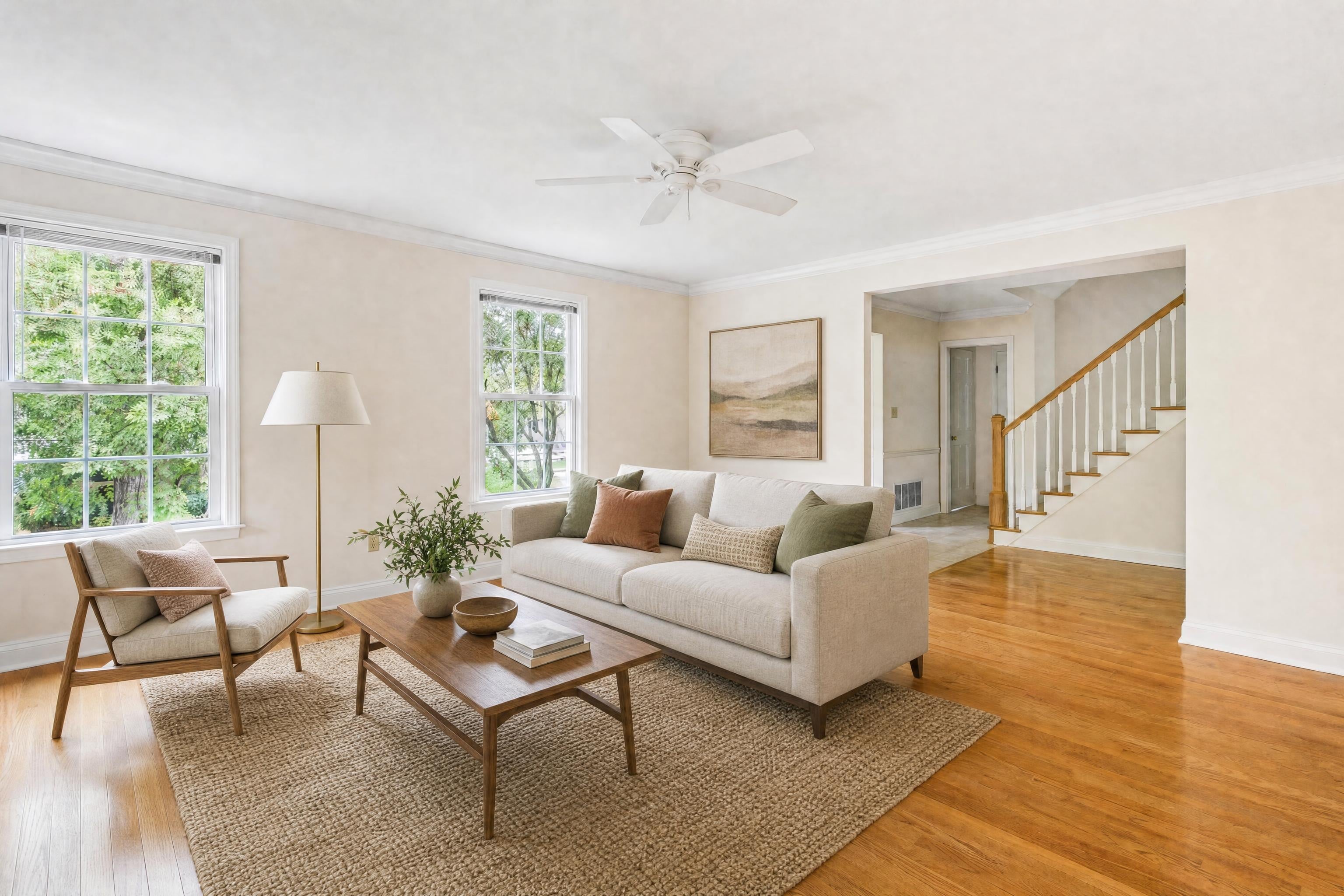 Warm Modern
Tap a style to see the room furnished in it. 13 styles, or build your own from a reference photo.
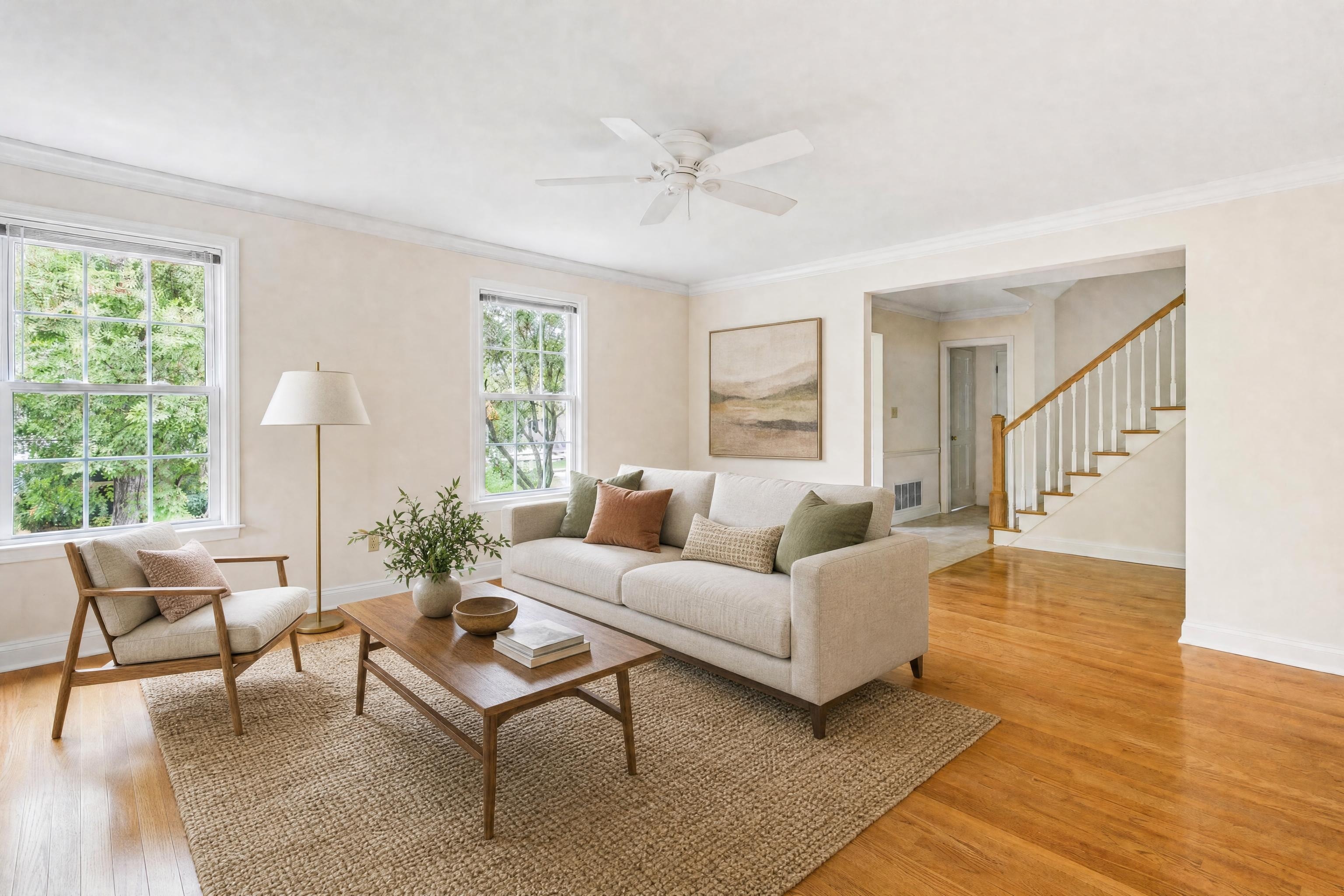 ↓ Download
Full resolution and watermark-free, ready for the MLS, Zillow and social.
Questions agents ask
No. It runs in your browser on PC, Mac, tablet or phone, so there's nothing to install or update.
AI staging software chooses the layout, scale and lighting for you, so a room is staged in under a minute instead of placed piece by piece. Virtual staging AI software built for listings also keeps the room's architecture unchanged.
Yes. It stages any room photo: houses, condos, apartments, rentals and new construction.
Manual programs that place 3D models do. AI virtual staging programs don't: you pick a room type and a style, and the program does the rest.
Yes. Visual staging, digital staging and virtual staging all mean adding furniture and decor to a photo with software.
Stagingmate is a monthly or yearly subscription, or pay-as-you-go credit packs. There's no license to buy and nothing to install.
Stagingmate stages still photos, not 360 tours. You can use the staged photos alongside a tour on the listing.
No. If you can upload a photo, you can use this virtual staging software. There are no 3D models to place by hand.
More from Stagingmate
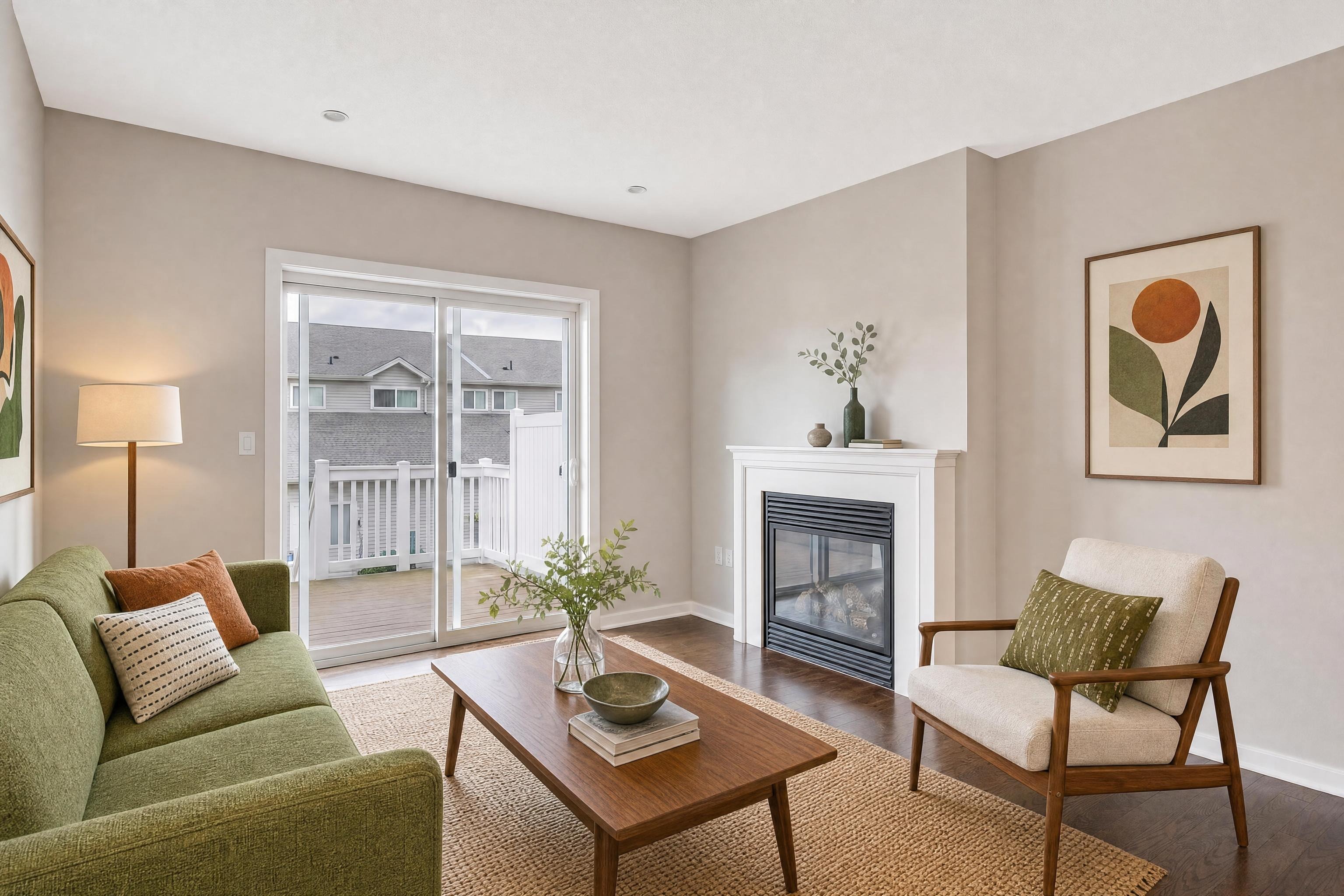
Your next listing, furnished by lunch.
10 free photos. No card. Under a minute a room.