Virtual decluttering for real estate photos
Virtual decluttering removes furniture, personal items and clutter from a listing photo with AI in under a minute, so the room is clean or ready to stage. Try 10 photos free, no card.
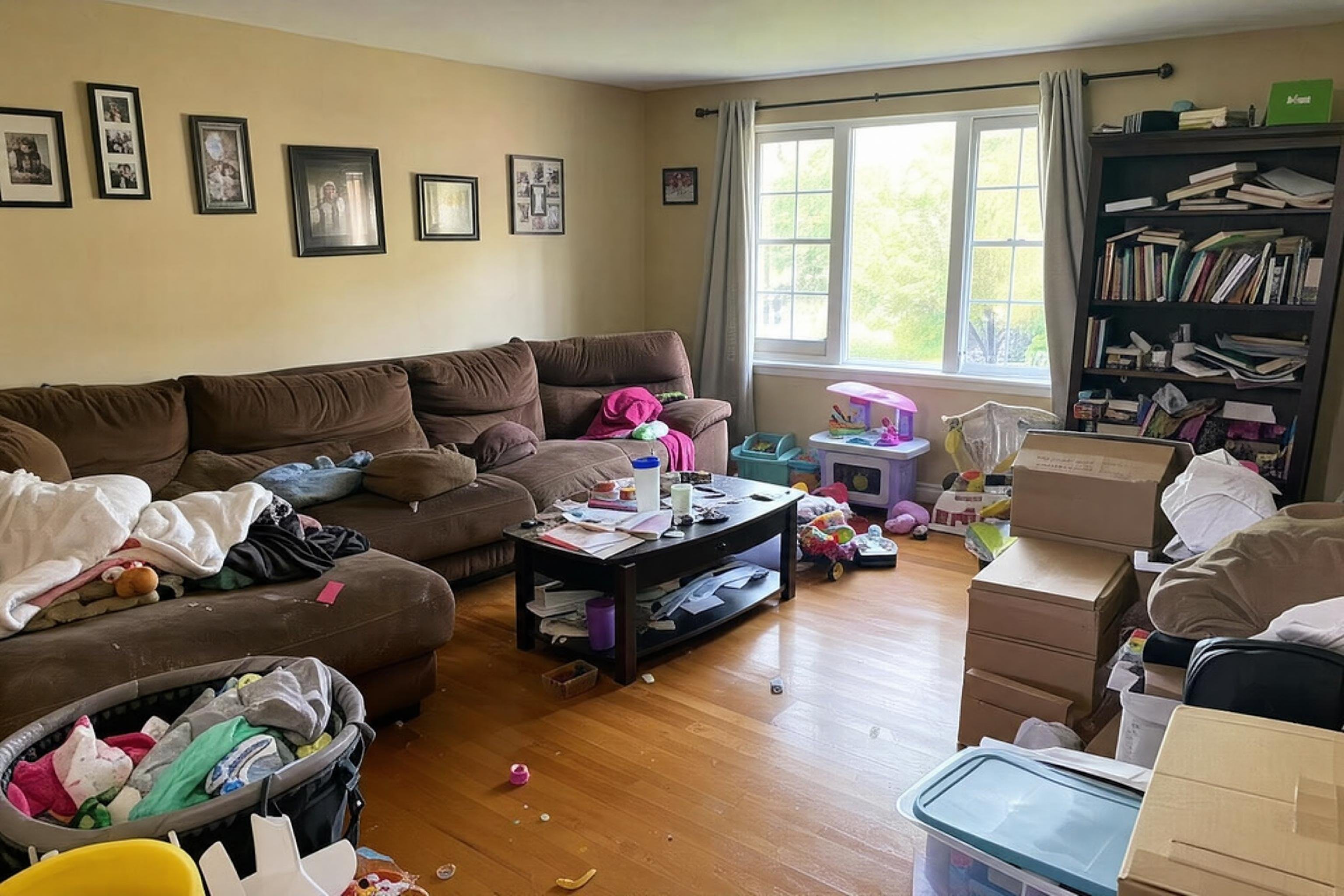
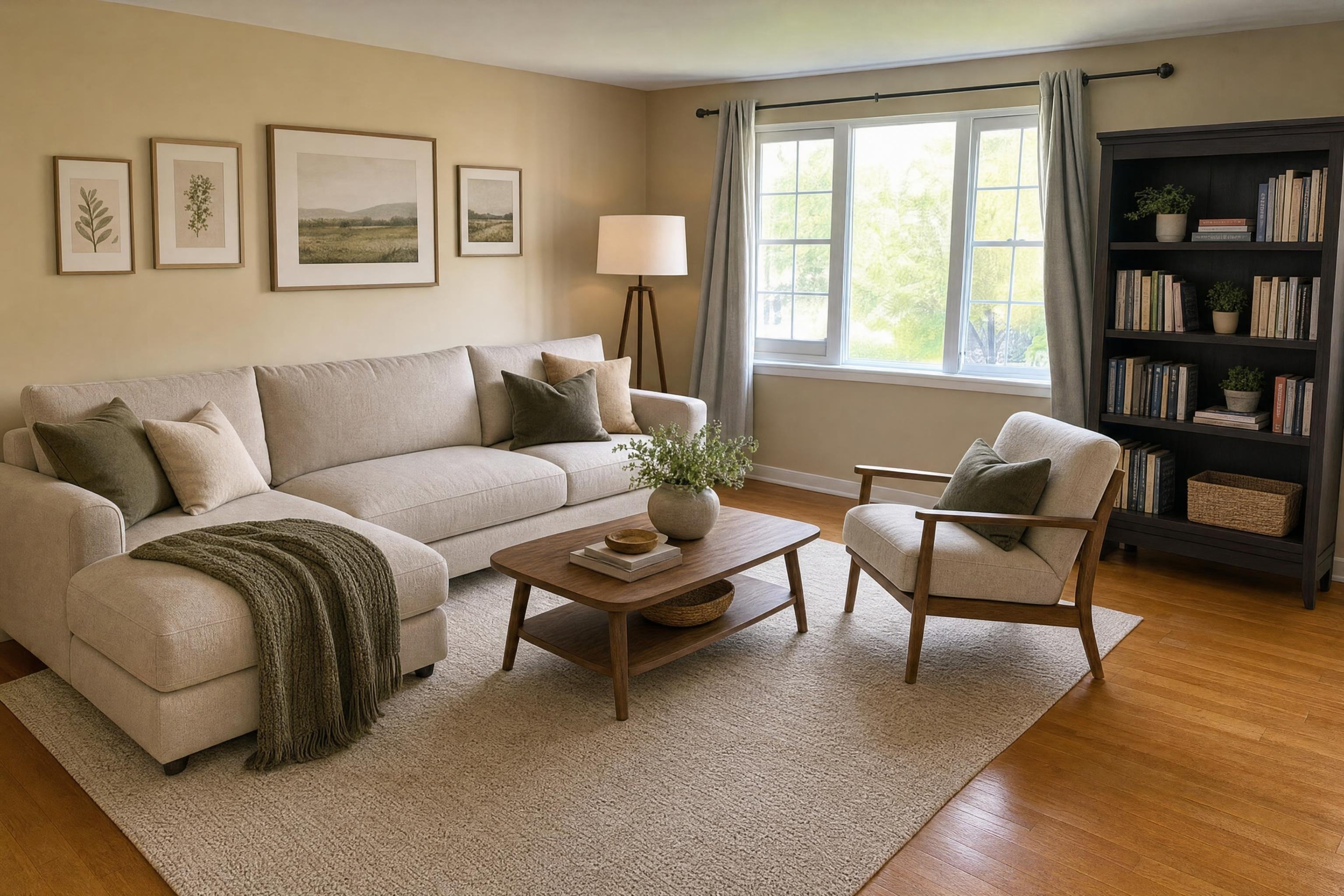
What virtual decluttering removes
Declutter, then stage the room
Clear the room first, then stage it in the style that suits the buyer. Both steps take under a minute each, and the walls, floors, windows and fixtures stay as photographed.
Virtual decluttering in real estate photo editing
In real estate photo editing, removing furniture used to be a manual retouching job, priced per image and returned the next day. Here, virtual decluttering in real estate photo editing is one step in the same app you stage with, and the result comes back in under a minute.
When to declutter instead of staging
What decluttering costs
Decluttering is included on every plan at no extra cost. Each declutter uses one credit, the same as staging, and your first 10 photos are free.
How virtual staging works in three steps
No designer back-and-forth and no waiting overnight.
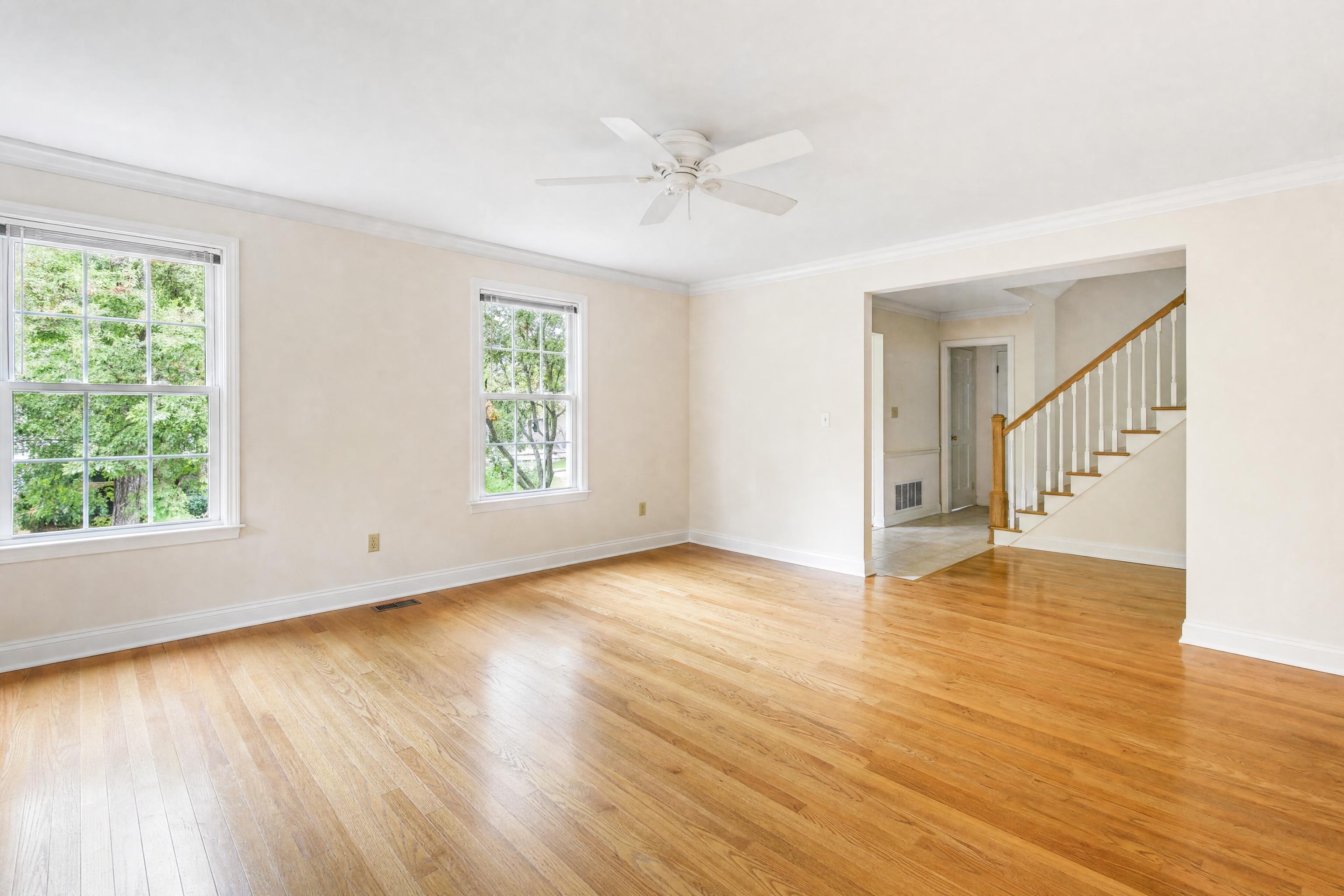
Empty or cluttered. Phone photos work.
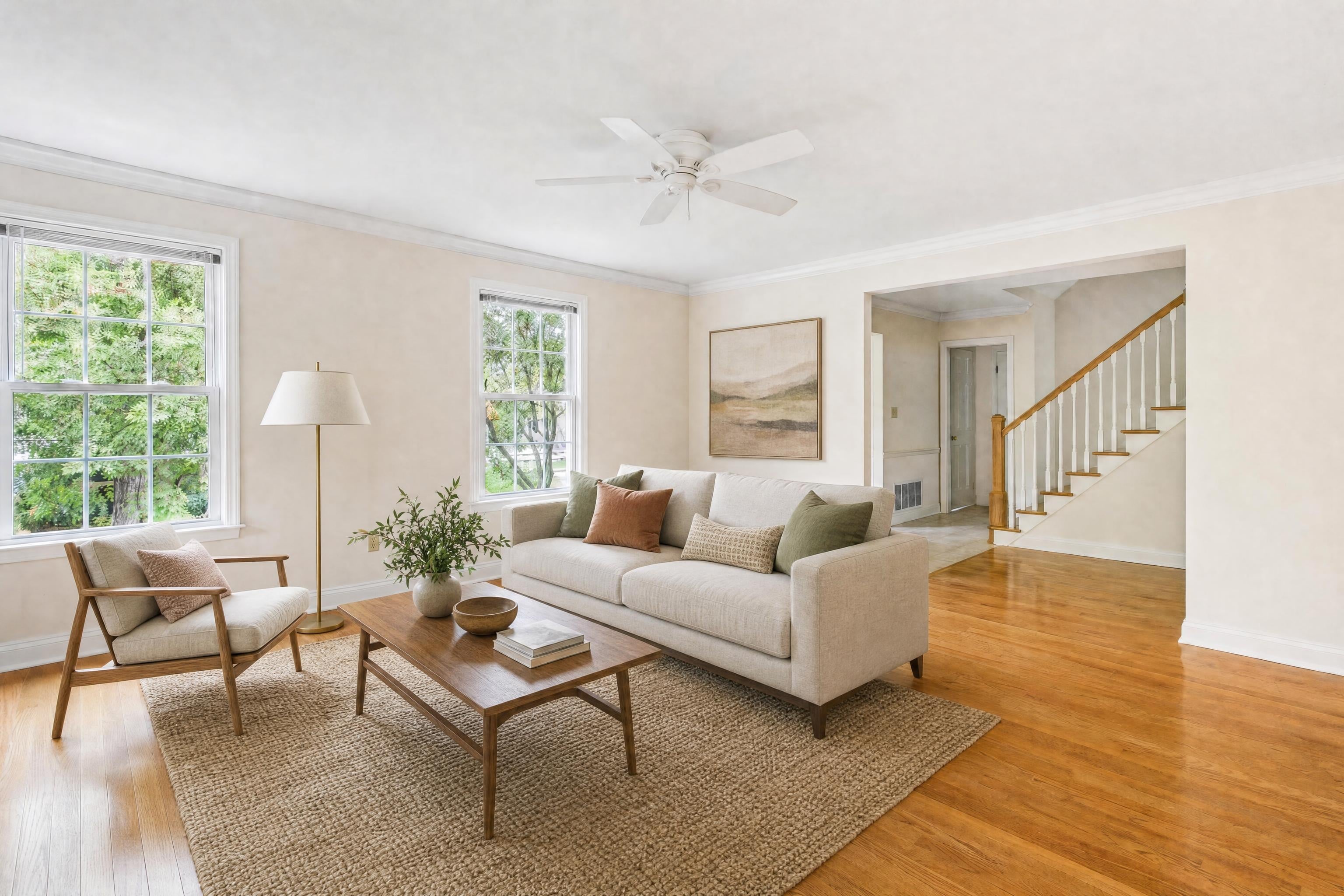 Warm Modern
Tap a style to see the room furnished in it. 13 styles, or build your own from a reference photo.
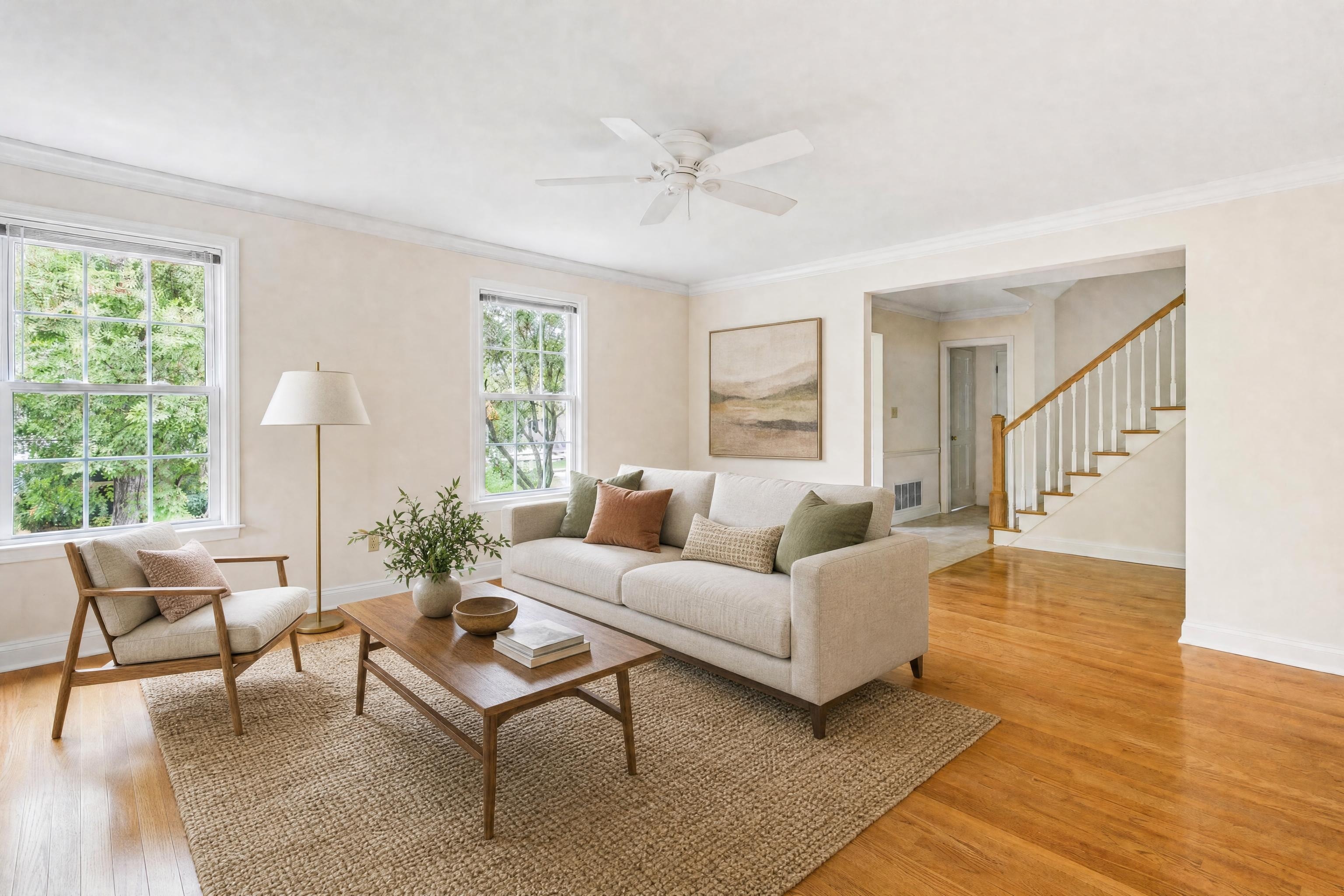 ↓ Download
Full resolution and watermark-free, ready for the MLS, Zillow and social.
Questions agents ask
No. Decluttering and furniture removal are included with every plan.
Yes. The AI removes furniture and clutter and keeps the walls, floors, windows and fixtures as photographed. Check each result and regenerate if anything looks off.
Yes. Declutter first, then pick a style, and the room is staged fresh in under a minute.
Under a minute per photo. Virtual decluttering and staging each use one credit.
More from Stagingmate
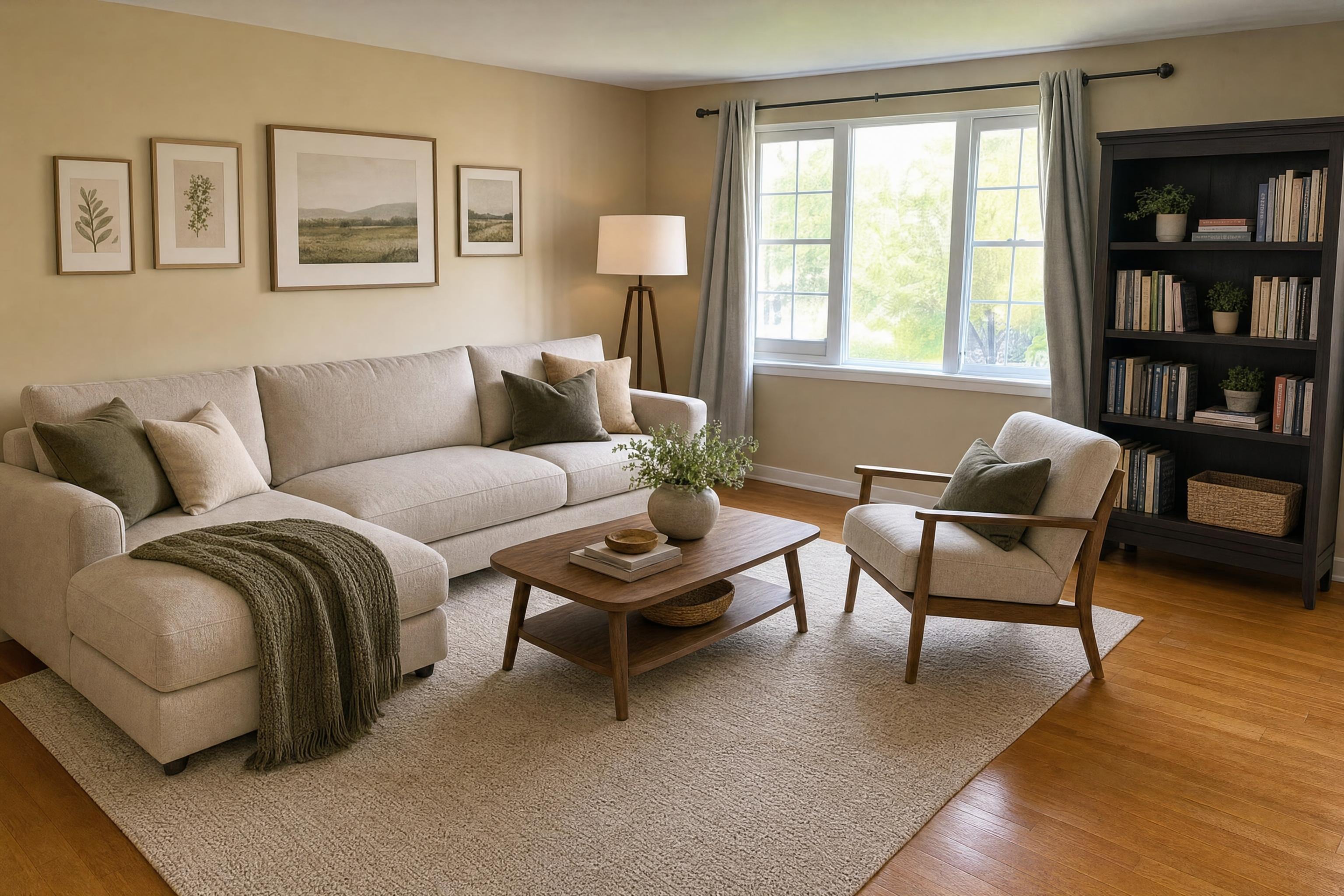
Your next listing, furnished by lunch.
10 free photos. No card. Under a minute a room.