Try virtual staging free, with no card
Get free virtual staging on your first 10 listing photos: upload a room, pick a style and download an MLS-ready staged image in under a minute. No card, no watermark, nothing to install.
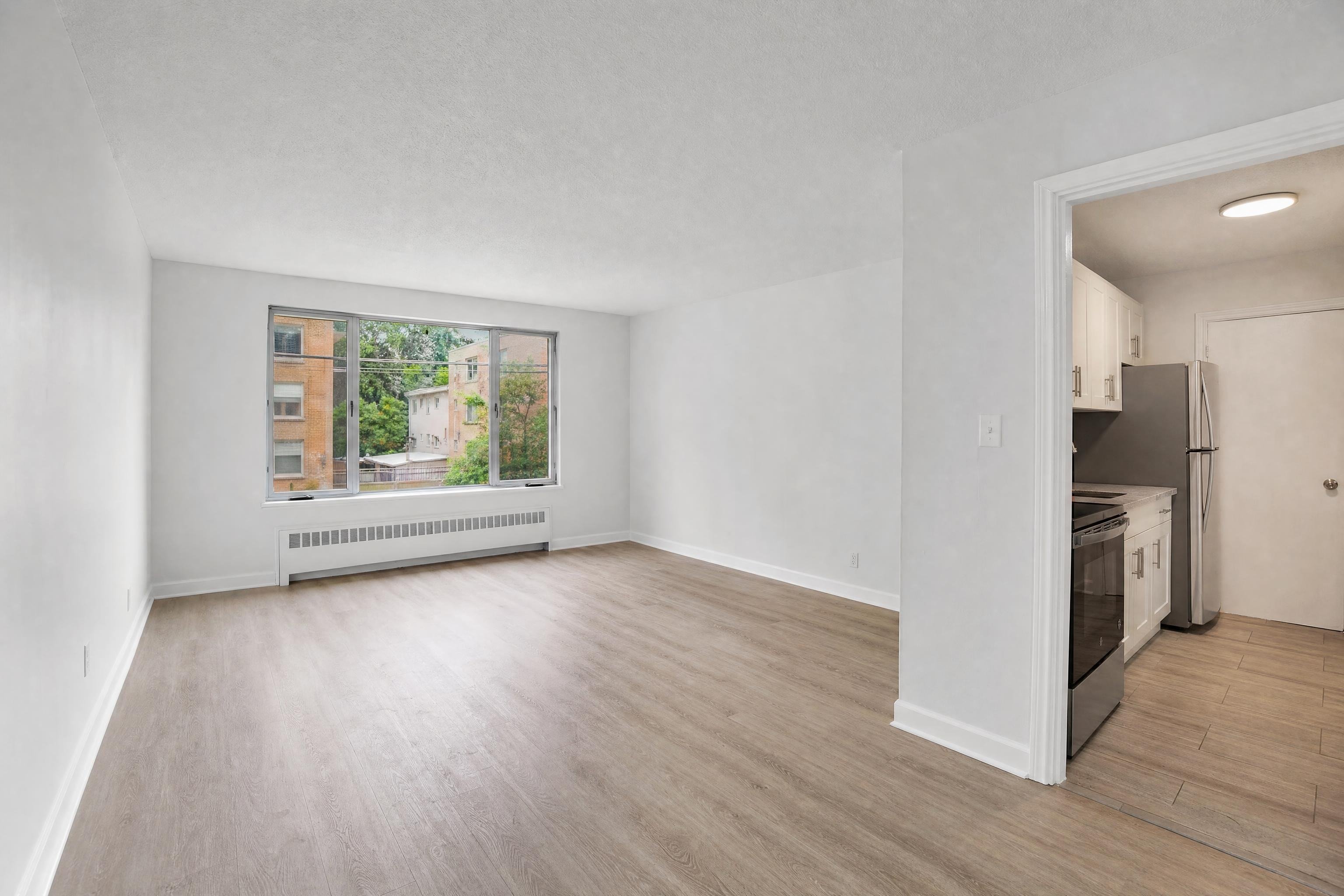
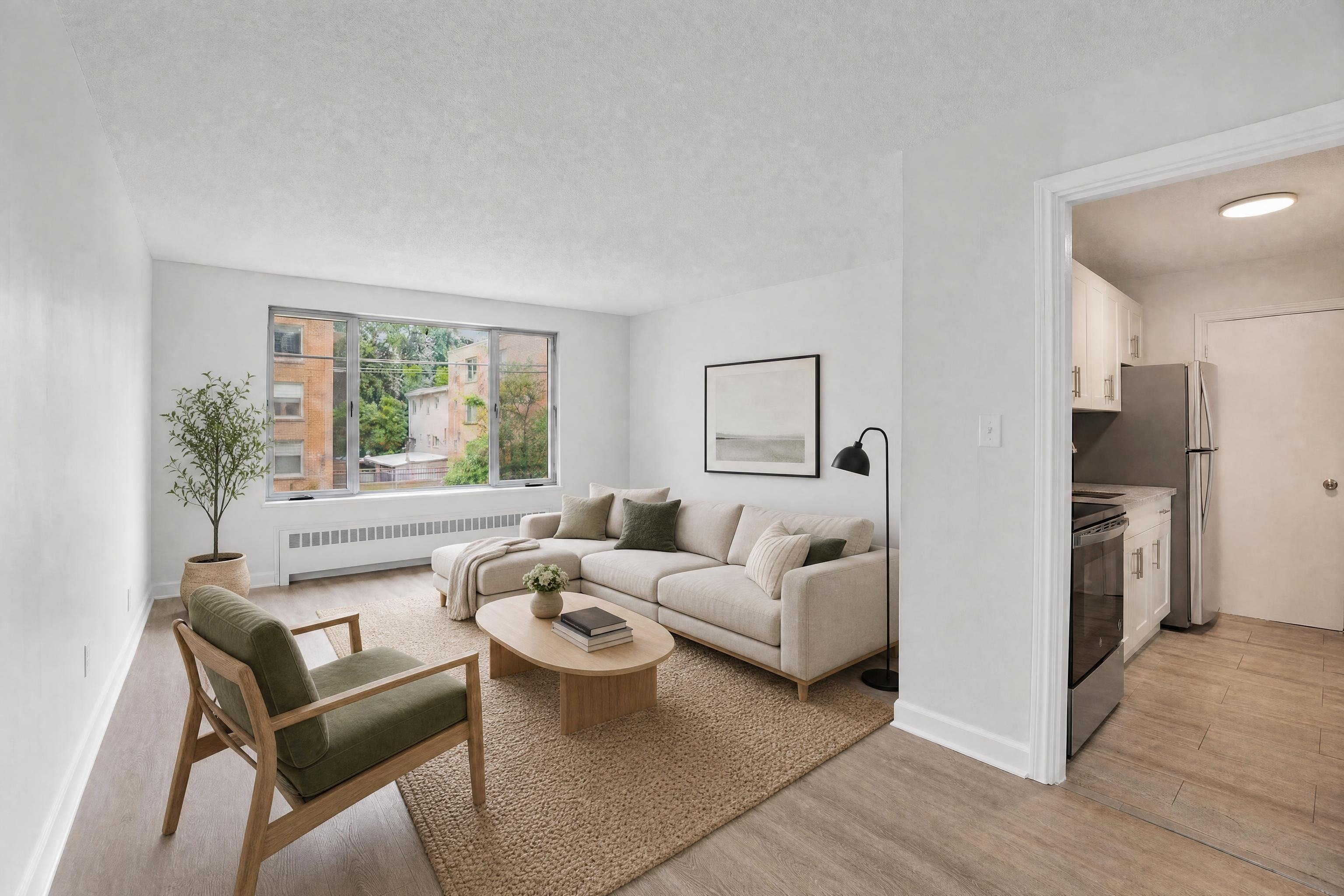
Free virtual staging for real estate: what you get
Free virtual staging online, in a browser app
The virtual staging free trial runs in any browser, so it works as a free virtual staging app on iPhone, Android, PC and Mac. Upload straight from your camera roll at the property, or from your desk after the shoot.
Because the virtual home staging software is free to try and runs online, there's nothing to download or install. Using free virtual staging online also means the AI does the heavy lifting on our servers, so an older laptop or phone works fine.
How to virtually stage a home free in three steps
Spend the 10 free photos on the rooms that sell the listing: the living room, the main bedroom, the kitchen or dining area, then the rest of the home. It's AI staging for real estate, free for those first 10 photos, with the same quality as the paid plans.
Free virtual staging vs free design apps
Most free AI room apps are built for homeowners redecorating. They often redraw the room itself: windows move, floors change color, walls shift. That's fine for inspiration, but a listing needs the real room.
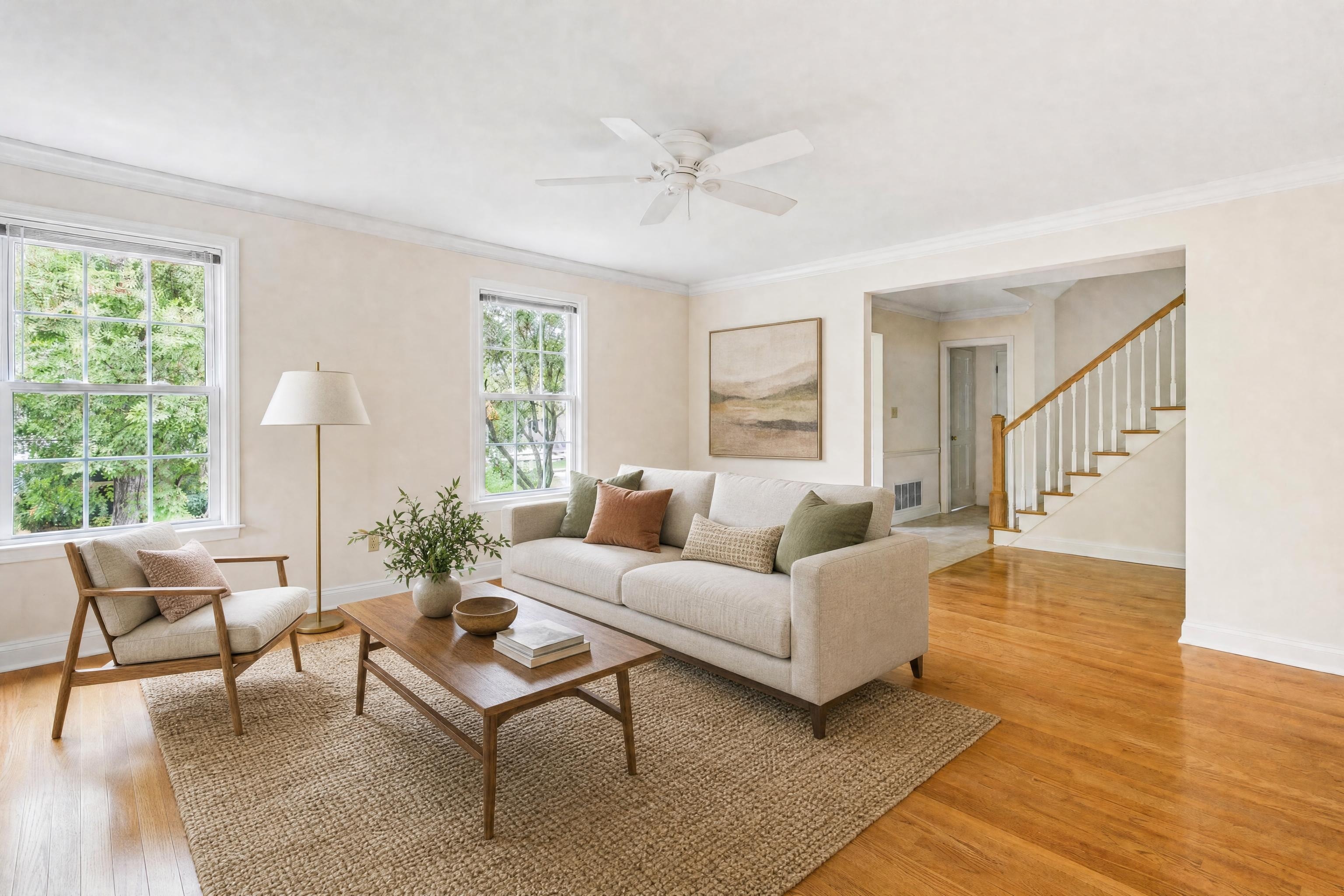
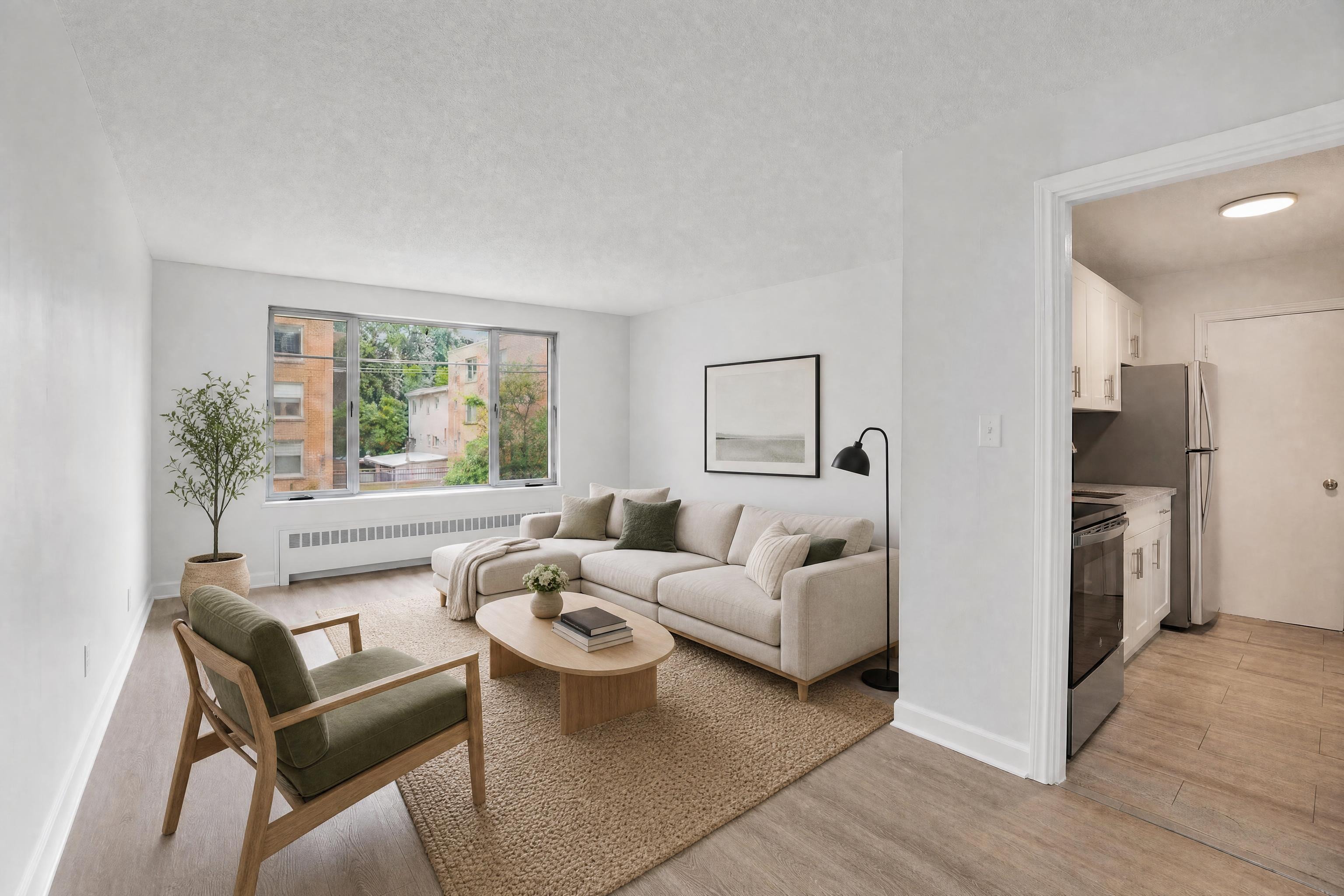
Stagingmate is built for real estate photos. It keeps the architecture and adds only furniture and decor, which is what free AI home staging for a listing needs. It's virtual furniture staging, free for your first photos: the sofa, rug and lamps are added digitally, so nothing is rented or moved.
Free virtual room staging and decluttering
Virtual room staging is free on the trial for every room type, and decluttering comes with it. If the room still has the seller's furniture, clear it first, then stage it in the style you pick. Each step uses one credit.
What happens after the free trial
If you need more, Starter is $19/month for 25 images ($0.76 each), Pro is $99/month for 200 images ($0.50 each), and credit packs start at $9.50 for 10 images. Billed yearly, both plans cost 30% less. Cancel any time from your dashboard.
How virtual staging works in three steps
No designer back-and-forth and no waiting overnight.
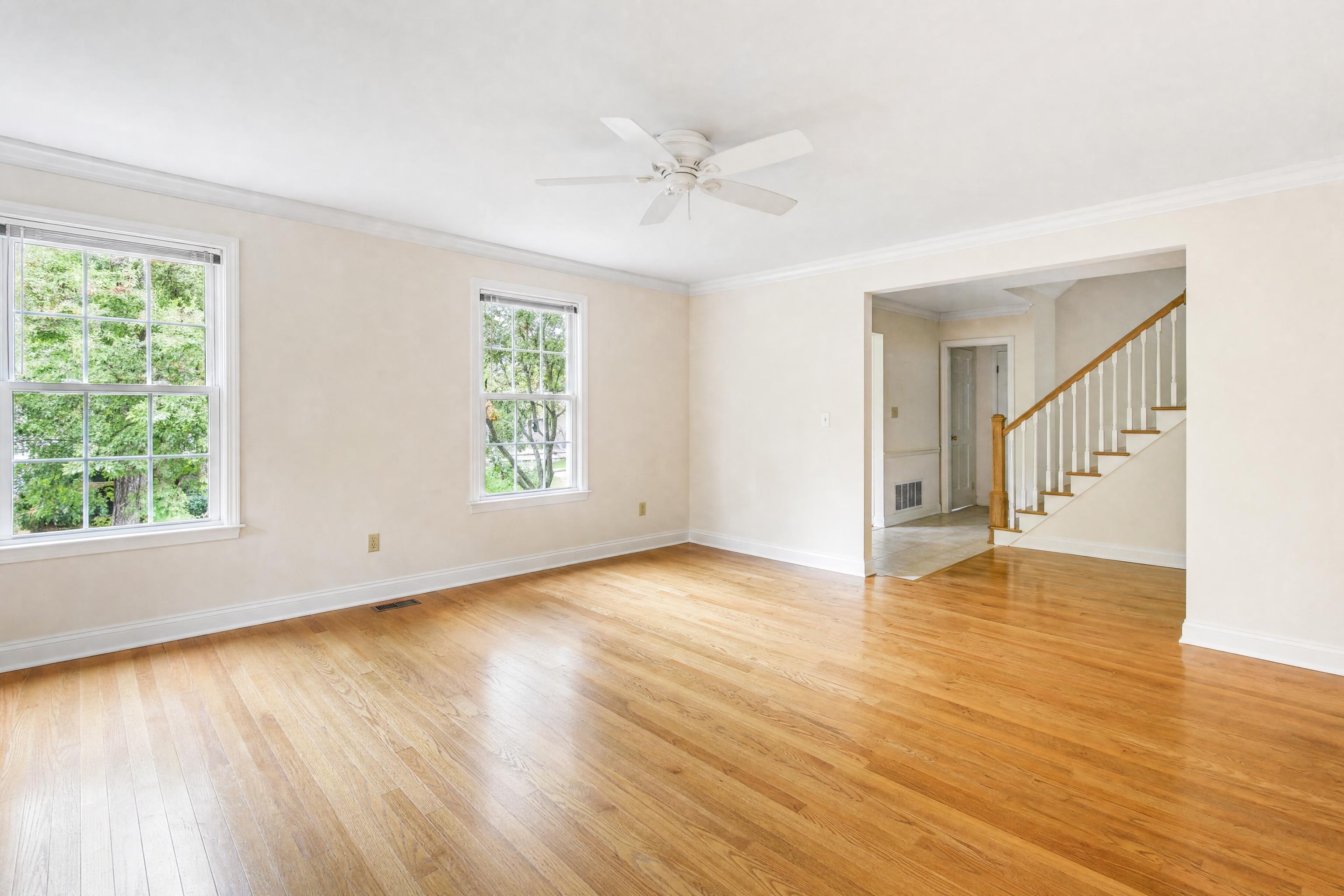
Empty or cluttered. Phone photos work.
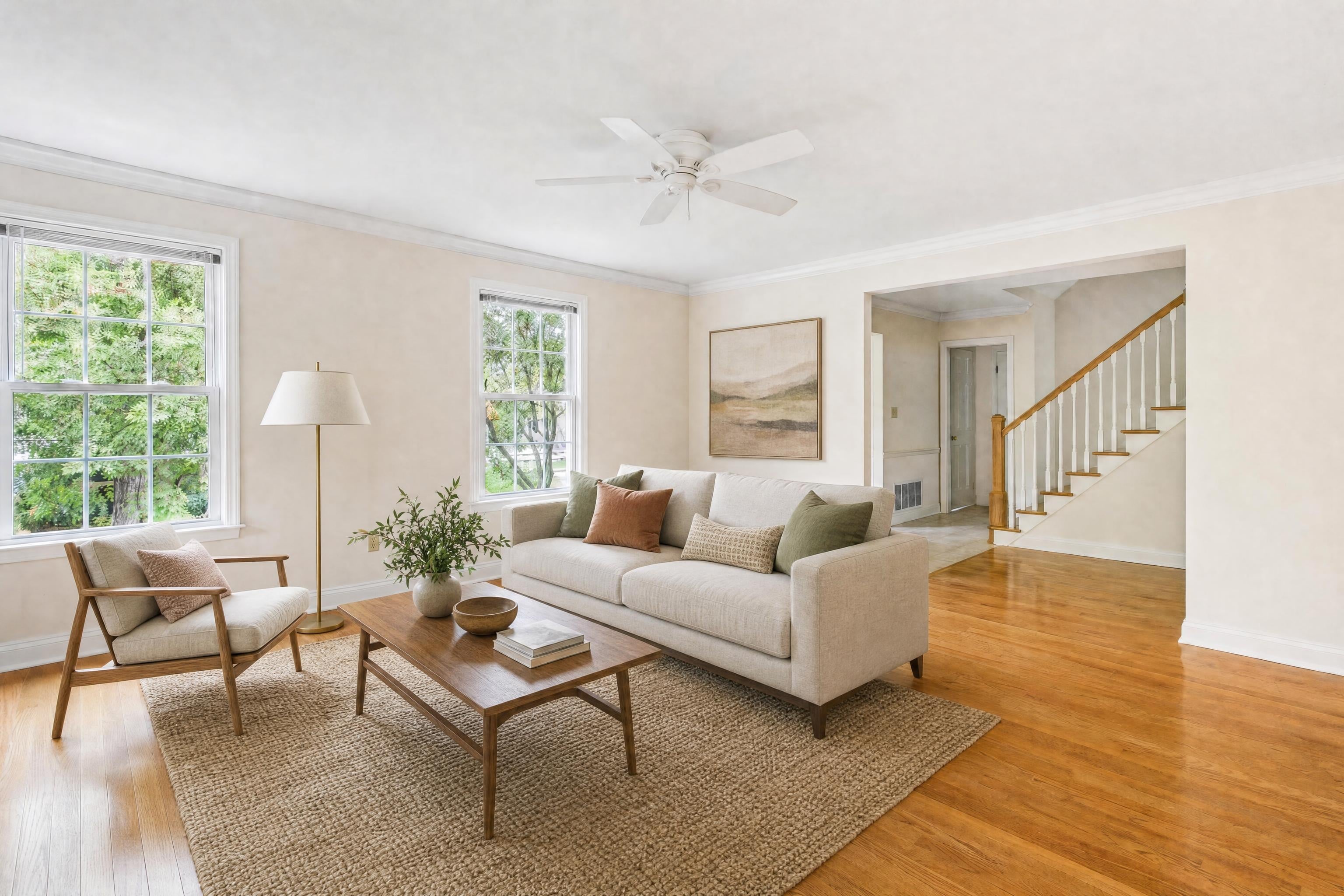 Warm Modern
Tap a style to see the room furnished in it. 13 styles, or build your own from a reference photo.
 ↓ Download
Full resolution and watermark-free, ready for the MLS, Zillow and social.
Questions agents ask
Yes. Your first 10 photos are free with no credit card, which is enough to stage a listing's key rooms and judge the results on your own photos.
Yes. Stagingmate runs in any browser on phone, tablet or desktop, so it works as a free AI staging app with nothing to install. Your first 10 photos are free.
There's nothing to download. Stagingmate is home staging software that runs in your browser on PC, Mac, iPhone and Android, free for your first 10 photos.
Yes. Open it in your phone's browser, upload from your camera roll and stage the room before you leave the property. It works like a free home staging app, without an app store download.
Yes, for your first 10 photos. Pick a style and the AI places a sofa, bed, table, rug and decor to match the room's perspective and light.
Yes. Upload any room, from a bedroom to a patio, and the AI stages it in under a minute. The trial covers every room type.
Yes. The trial includes all 13 styles, custom styles from a reference photo, and decluttering.
For staging and decluttering, yes: both are part of the free trial. Wider photo edits like sky replacement and virtual twilight are on the way.
Stagingmate gives you two of them free on 10 photos: virtual staging and decluttering. That's AI real estate photo editing, free and full resolution, with no watermark.
No. Images from free virtual staging are full resolution and watermark-free, and you own them.
More from Stagingmate
Your next listing, furnished by lunch.
10 free photos. No card. Under a minute a room.