Interior AI pricing: plans, reviews and 8 alternatives
We compared Interior AI with 8 alternatives on price per photo, turnaround, free trials, styles and decluttering, using each tool's own published pricing.
 By the Stagingmate teamUpdated October 9, 20265 min read
Looking for Interior AI alternatives?
Interior AI works for plenty of people, but no tool fits every listing workflow. Price per photo, turnaround and how much control you get all vary a lot between tools.
Below we cover what Interior AI is and what it costs, why people switch, and 8 alternatives with their key features, pricing, pros and cons.
Why trust this comparison?
Stagingmate is our product, and we've listed it first. We've held it to the same format as every other tool, cons included.
For every other tool, we read its own website and pricing page on October 9, 2026 and recorded only what was published there, plus its rating on a public review site where one exists. Prices change often, so each review notes when we checked and links to the source.
Why people look for Interior AI alternatives
What is Interior AI? Pricing and reviews
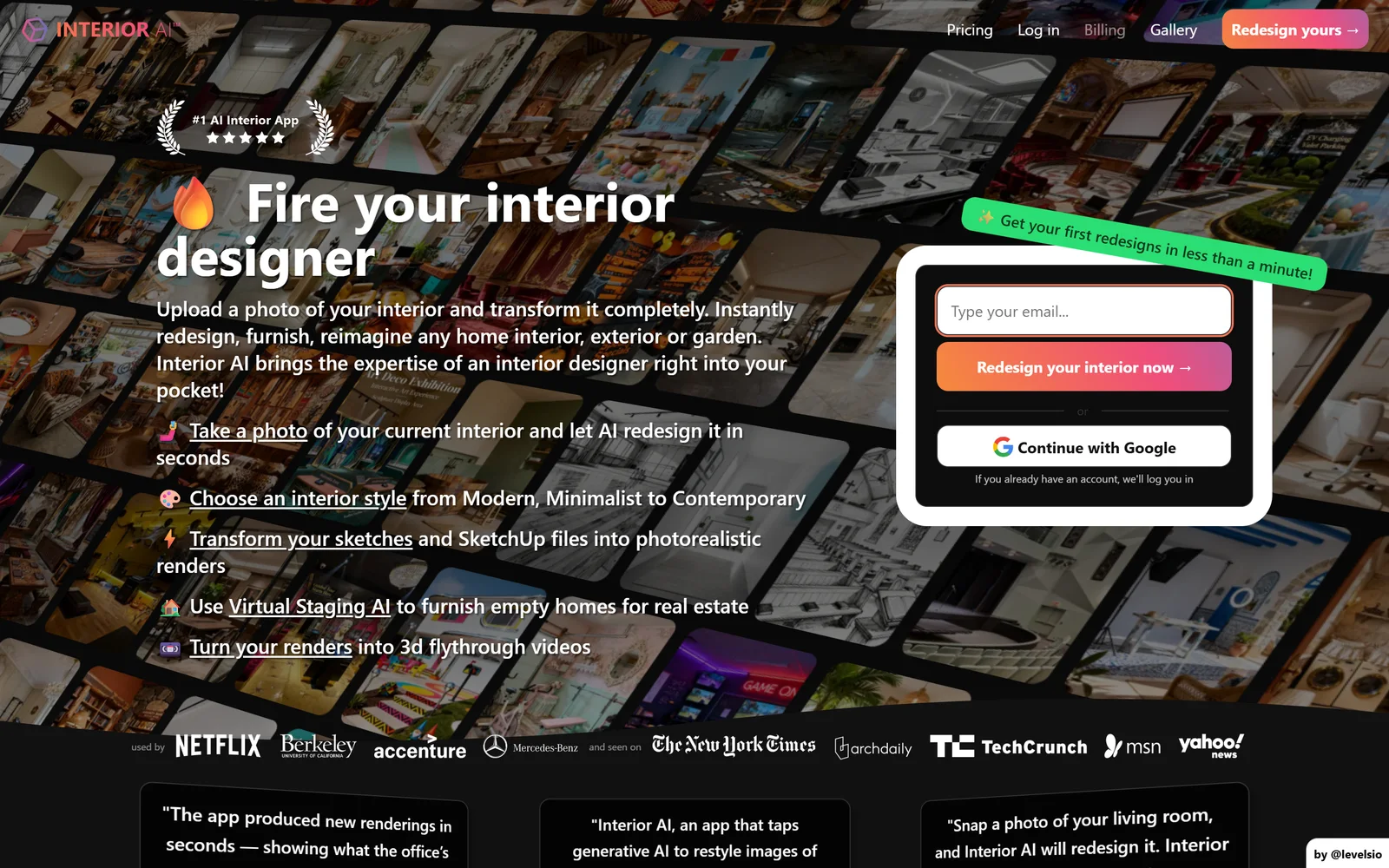
Interior AI is a general AI interior redesign app: upload a room photo, pick a room type and style, and get a redesigned render. It includes a virtual staging mode for empty rooms alongside sketch-to-render and outdoor design modes.
As of October 9, 2026, Interior AI's published pricing included Pro at $49 per month, Premium at $99 per month, Ultra at $199 per month, plus higher tiers.
On Trustpilot, Interior AI was rated 2.1/5 from 10 reviews. The most common complaint: difficulty cancelling and getting refunds, unexpected charges; some cite lack of a free trial. Trustpilot notes the company has not invited reviews.
It doesn't suit every listing workflow, though. People move away from Interior AI because of:
- Staging isn't on the entry plan: Interior AI's $49/month Pro plan doesn't include virtual staging. You need Premium ($99/month, or $49/month billed yearly) or higher.
- No free plan: We found no free plan or free trial.
Sources: interiorai.com · trustpilot.com/review/interiorai.com. Checked October 9, 2026; prices change, so confirm before buying.
The 8 best Interior AI alternatives: in-depth review
Here's an at-a-glance comparison. Each tool has its own section below with key features, pros, cons and pricing.
| Tool | Price per photo | Turnaround | Free trial | Styles | Declutter |
|---|---|---|---|---|---|
| 1. Stagingmate | $0.35–$0.95 | Under a minute | 3 photos, no card | 12, plus custom | Included |
| 2. Virtual Staging AI | $0.53–$2.67, billed yearly | 10 seconds (claimed) | No staging trial | — | Furniture removal |
| 3. Collov AI | $0.24–$0.33 | 10 seconds | 5 watermarked images | — | Furniture removal |
| 4. Apply Design | $10.50–$15 (auto 2D) | 10–15 minutes | First image | — | Item removal |
| 5. ReimagineHome | — | 2–5 minutes (batch) | 5 designs, no card | — | — |
| 6. Pedra | €0.15–€0.29 | — | 7 credits, no card | — | Room emptying |
| 7. PhotoUp | $3.30–$4.50 | 1–2 minutes | 5 credits, no card | 5 | Furniture removal |
| 8. Stager AI | — | Under 60 seconds | Free preview | Presets (count not stated) | Declutter |
| Interior AIfor reference | — | About 25 seconds | None found | 55+ | — |
Swipe the table sideways to see every column.
Prices and features as published on each tool's own site, checked October 9, 2026. A dash means the tool's site doesn't say.
1. StagingmateOur product
Best for: Agents and photographers who want staged listing photos in under a minute at a clear per-photo price
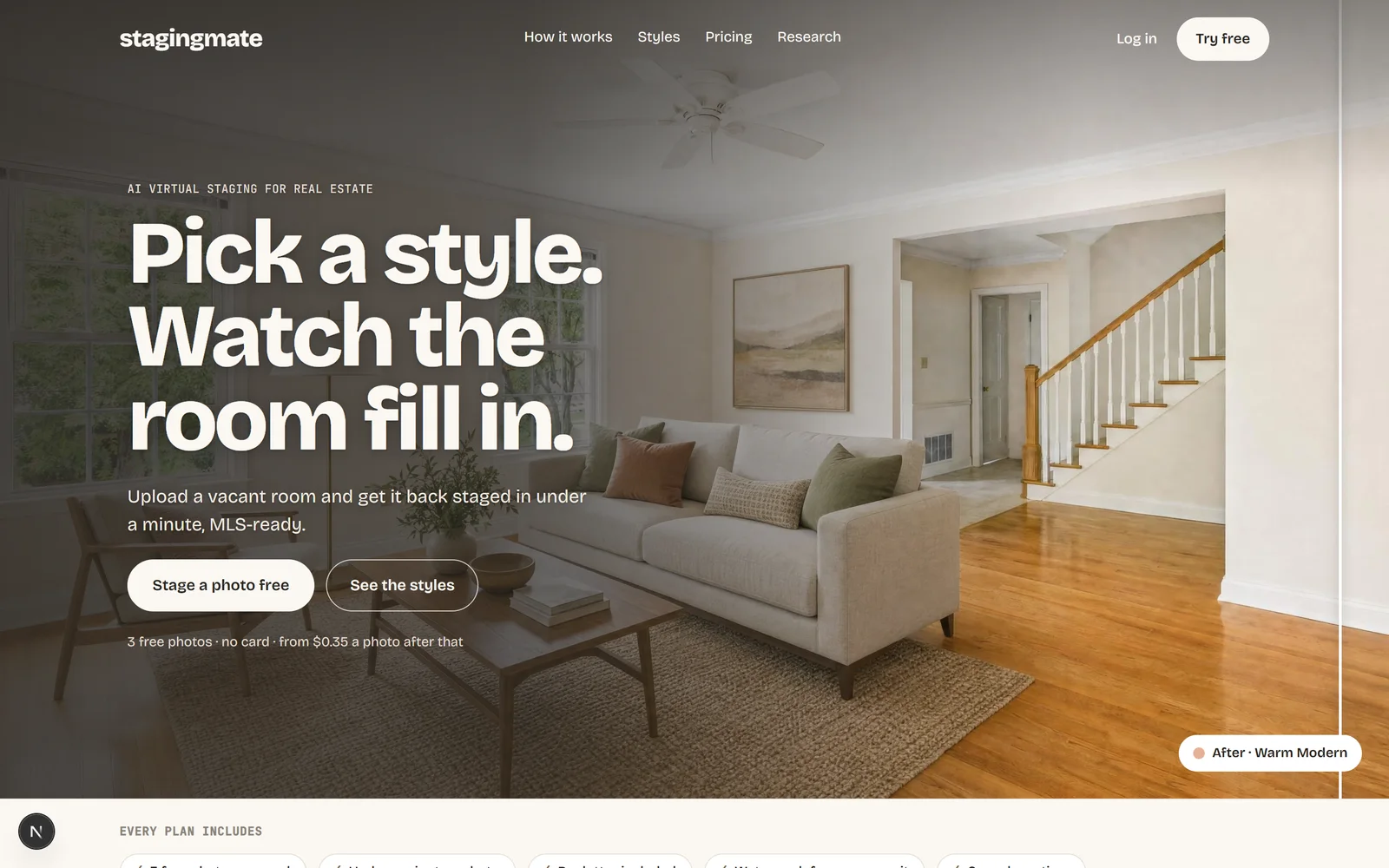
Stagingmate is AI virtual staging built only for real estate listing photos. Upload an empty or cluttered room, pick a room type and a style, and download a staged, watermark-free image in under a minute.
It's priced per photo and shows that price on every plan. Decluttering is included, and a regeneration or a chat edit uses 1 credit, the same as a new photo.
Key features
- One-click staging: Pick a room type and a style, and get a staged photo, in under a minute.
- 12 styles: From transitional and modern to coastal, farmhouse and Japandi, plus custom styles built from your own reference photo.
- Declutter included: Remove existing furniture and clutter before staging, at no extra cost.
- Chat edits: Ask for changes like "add a rug", 1 credit each.
- MLS-ready output: High-res, watermark-free downloads.
Pros
- 3 free photos, no credit card
- Per-photo price shown on every plan, from $0.35 a photo
- Decluttering included, plus chat edits
- Built for listing photos rather than home redesign
Cons
- Newer tool, with fewer public reviews than older platforms
- AI only, with no human editor option for unusual rooms
- Regenerations and chat edits each use a credit (the free trial includes 1 regeneration per photo)
- No photo editing (HDR, twilight) yet
Pricing
- Free: 3 photos, no card
- Starter: $19/month for 25 photos, or $13.30/month billed yearly ($159.60/year, 300 credits up front)
- Pro: $99/month for 200 photos, or $69.30/month billed yearly ($831.60/year, 2,400 credits up front, about $0.35 a photo)
- Yearly billing is 30% off
- Credit packs: $9.50 for 10, $21 for 25, $38 for 50, $67 for 100, $120 for 200
- Regenerations and chat edits: 1 credit each
Source: Stagingmate pricing
2. Virtual Staging AI
Best for: Agents who want a well-known AI staging subscription and are happy to bill yearly
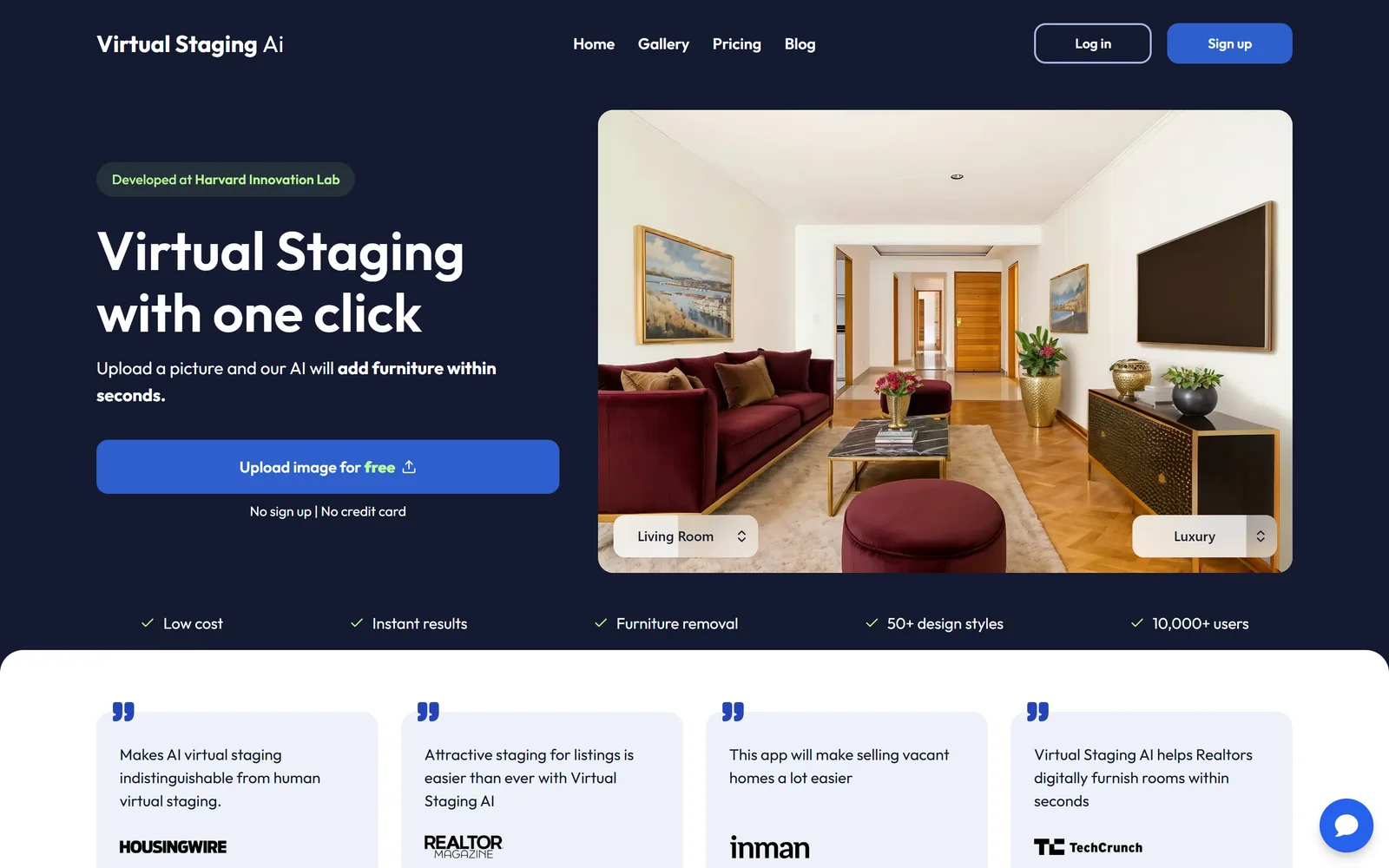
Virtual Staging AI is a self-serve tool that furnishes photos of empty rooms in seconds. Zillow Group acquired it in October 2024, and the standalone app is still sold on its own site.
Key features
- 10-second staging: The site claims a 10-second render on every plan.
- All room types and styles: Included on every plan.
- Furniture removal: Clears existing furniture before staging.
- No watermark: Downloads are watermark-free.
- API: Available on the Enterprise plan.
Pros
- Very fast renders
- Unlimited re-renders within your photo allowance
- Backed by Zillow
Cons
- No free staging trial, only a free image editing trial
- Advertised prices assume yearly billing
- Trustpilot reviewers mention unexpected annual renewals
Pricing
- Basic: $16/month, billed $192 yearly
- Standard: $19/month, billed $228 yearly
- Professional: $39/month, billed $468 yearly
- Enterprise: $79/month, billed $948 yearly
Sources: virtualstagingai.app/prices · realestatenews.com/2024/10/11/tech-bytes-ai-powers-new-tools-from-zillow-cubicasa-corelogic · trustpilot.com/review/virtualstagingai.app. Checked October 9, 2026; prices change, so confirm before buying.
3. Collov AI
Best for: Teams that want staging plus 360° and 3D tours under one subscription
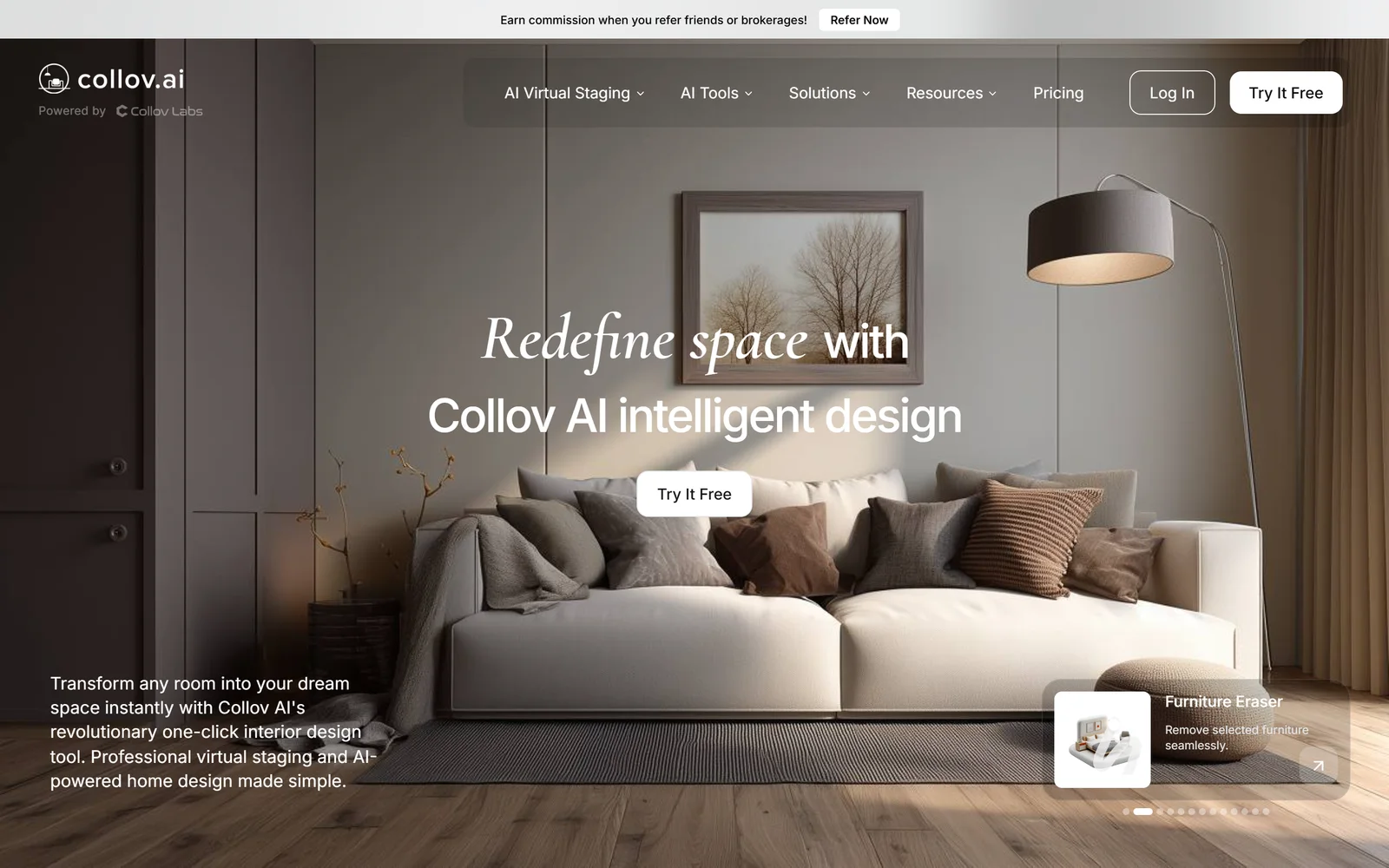
Collov AI is a subscription staging tool that also offers AI photo editing, virtual tours, 360° and 3D tours, and an API. One photo credit buys one staging generation.
Key features
- 10-second turnaround: Listed as a Standard plan feature.
- Multi-angle staging: Keeps the same furniture across photos of one room.
- AI Chat Edit: Edit results by describing changes.
- Tours: Virtual, 360° panorama and 3D tours.
- API: On the Enterprise plan.
Pros
- Low per-image cost on larger plans (about $0.24–$0.33)
- Multi-angle consistency
- Broad feature set beyond staging
Cons
- Free trial images are watermarked
- Credits reset monthly
- Trustpilot 2.8/5, with complaints about billing and the AI altering room layouts
Pricing
- Standard: $19/month
- Advanced: $49/month
- Premium: $79/month
- Enterprise: $127/month
Sources: collov.ai/pricing · trustpilot.com/review/collov.ai. Checked October 9, 2026; prices change, so confirm before buying.
4. Apply Design
Best for: Agents who want to pay per photo and sometimes place furniture by hand
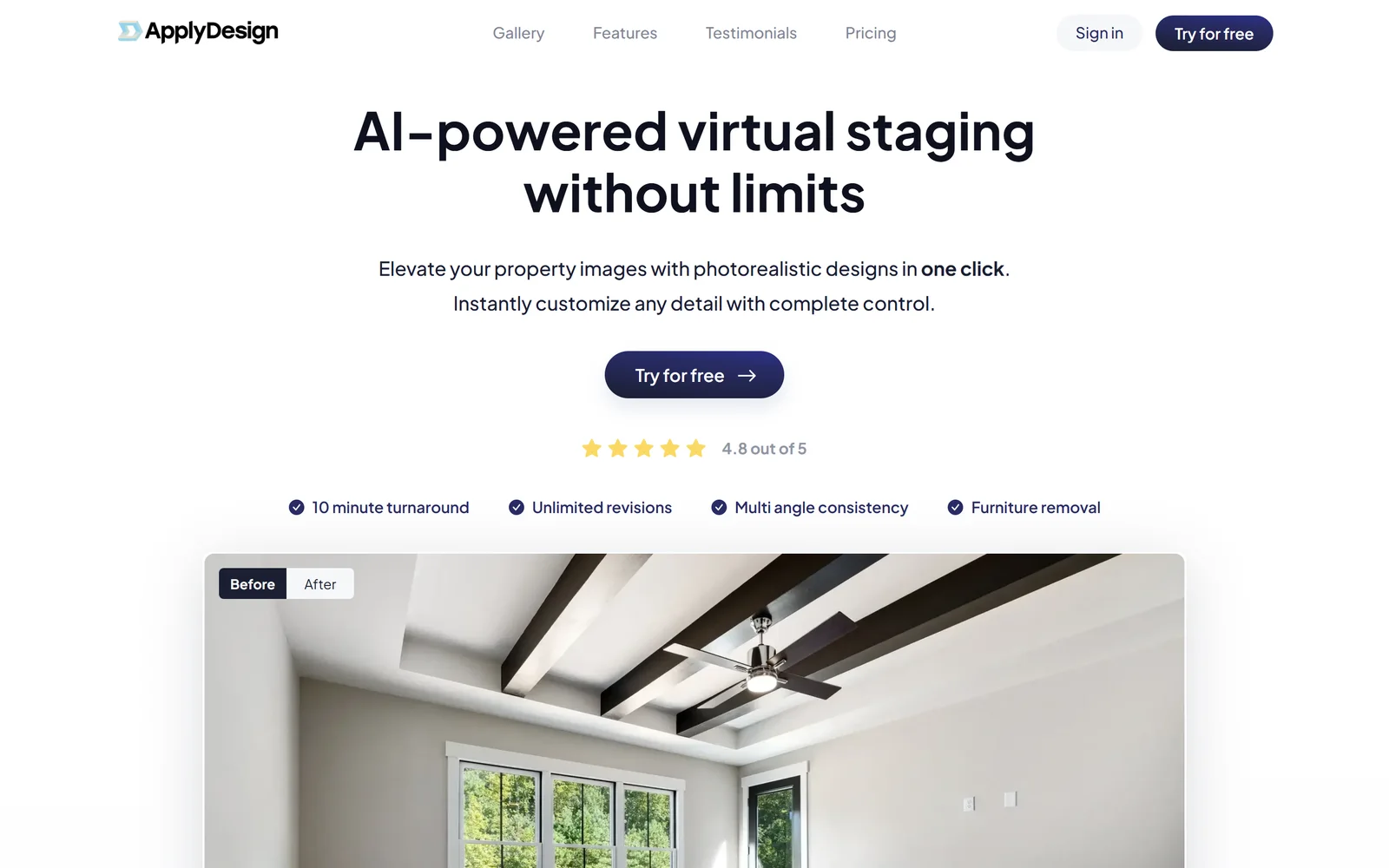
Apply Design sells prepaid coins that you spend on either one-click AI staging or a drag-and-drop editor where you design the room yourself. There's no subscription.
Key features
- Auto staging: One-click AI staging, 1.5 coins per 2D photo.
- DIY editor: Place pieces from an 18,000+ item catalog yourself, 1 coin per photo.
- 360° staging: Supported for both auto and DIY.
- Decluttering: One-click item removal.
- Unlimited revisions: Plus a money-back guarantee.
Pros
- First image free
- No subscription to cancel
- Choice of AI or hands-on design
Cons
- Auto staging works out to roughly $10.50–$15 per 2D photo
- Turnaround is quoted as 10 or 15 minutes on different pages
- Some reviewers mention low-quality results
Pricing
- Coins: $10 each (up to 9), $8 (10–19), $7 (20+)
- Auto staging: 1.5 coins per 2D photo, 2.5 per 360°
- DIY staging: 1 coin per 2D photo, 2 per 360°
Sources: applydesign.io/pricing · applydesign.io · trustpilot.com/review/applydesign.io. Checked October 9, 2026; prices change, so confirm before buying.
5. ReimagineHome
Best for: Agents who want to batch-stage a whole listing and link shoppable products
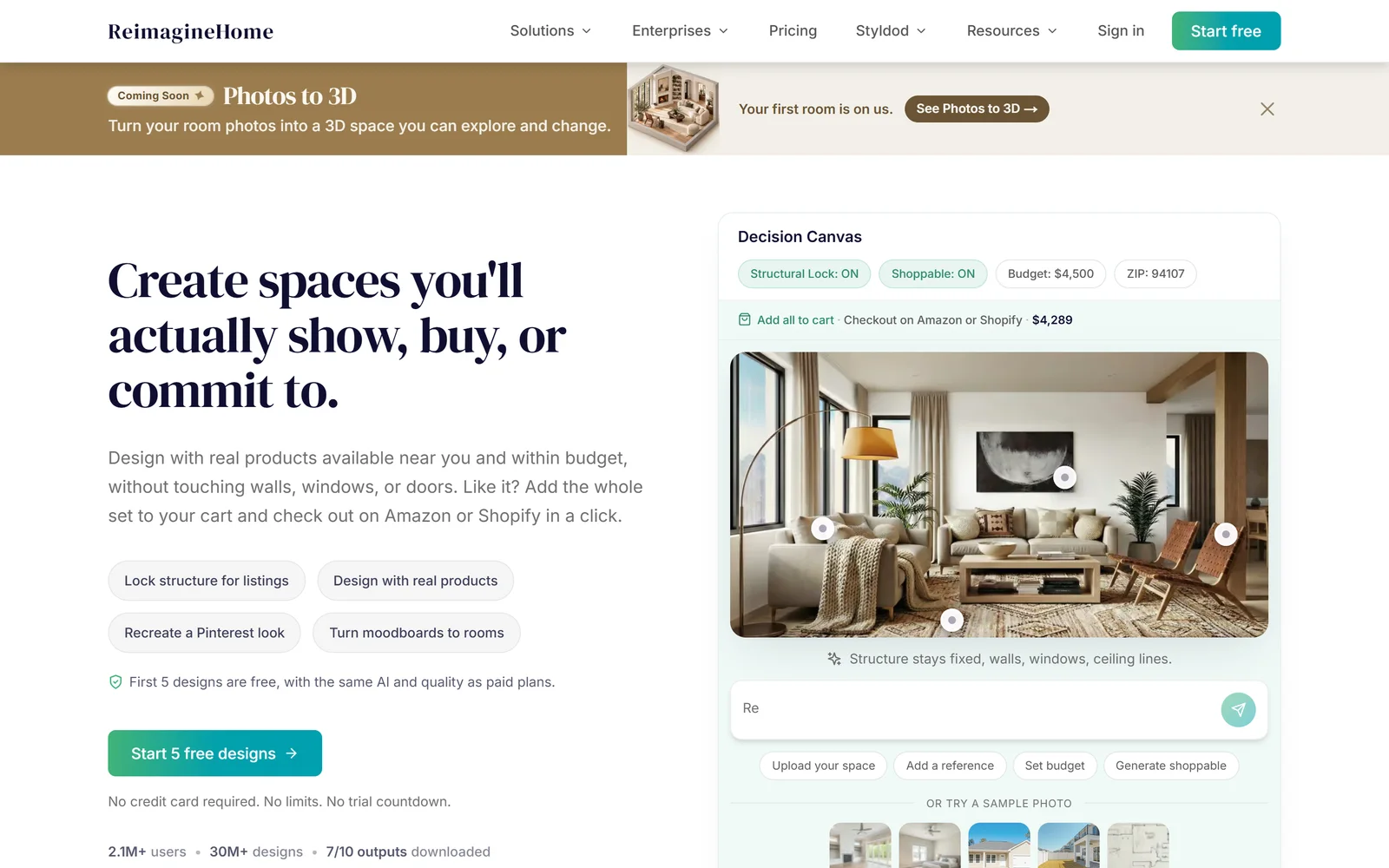
ReimagineHome is a credit-based AI design tool owned by Styldod. It stages, redesigns and landscapes photos, and lets you refine results by chatting with it.
Key features
- Batch staging: Up to 50 listing photos at once, sorted by room.
- Shoppable products: Real products from third-party retailers.
- Chat editing: Conversation doesn't cost credits.
- Reference matching: Match a moodboard or reference image.
Pros
- First 5 designs free, no card
- Batch workflow for full listings
- Interior and exterior
Cons
- Its pricing page lists a $14–$99/month range without mapping prices to plans
- 2–5 minute batch turnaround
- Few public reviews
Pricing
- Plans: Essential, Pro, Advanced, Agency ($14–$99/month range shown)
- 1 credit per design, 2 with real products
Sources: reimaginehome.ai/pricing · reimaginehome.ai · trustpilot.com/review/reimaginehome.ai · styldod.com/virtual-staging. Checked October 9, 2026; prices change, so confirm before buying.
6. Pedra
Best for: European agencies that want staging, video and 360° tours on one subscription
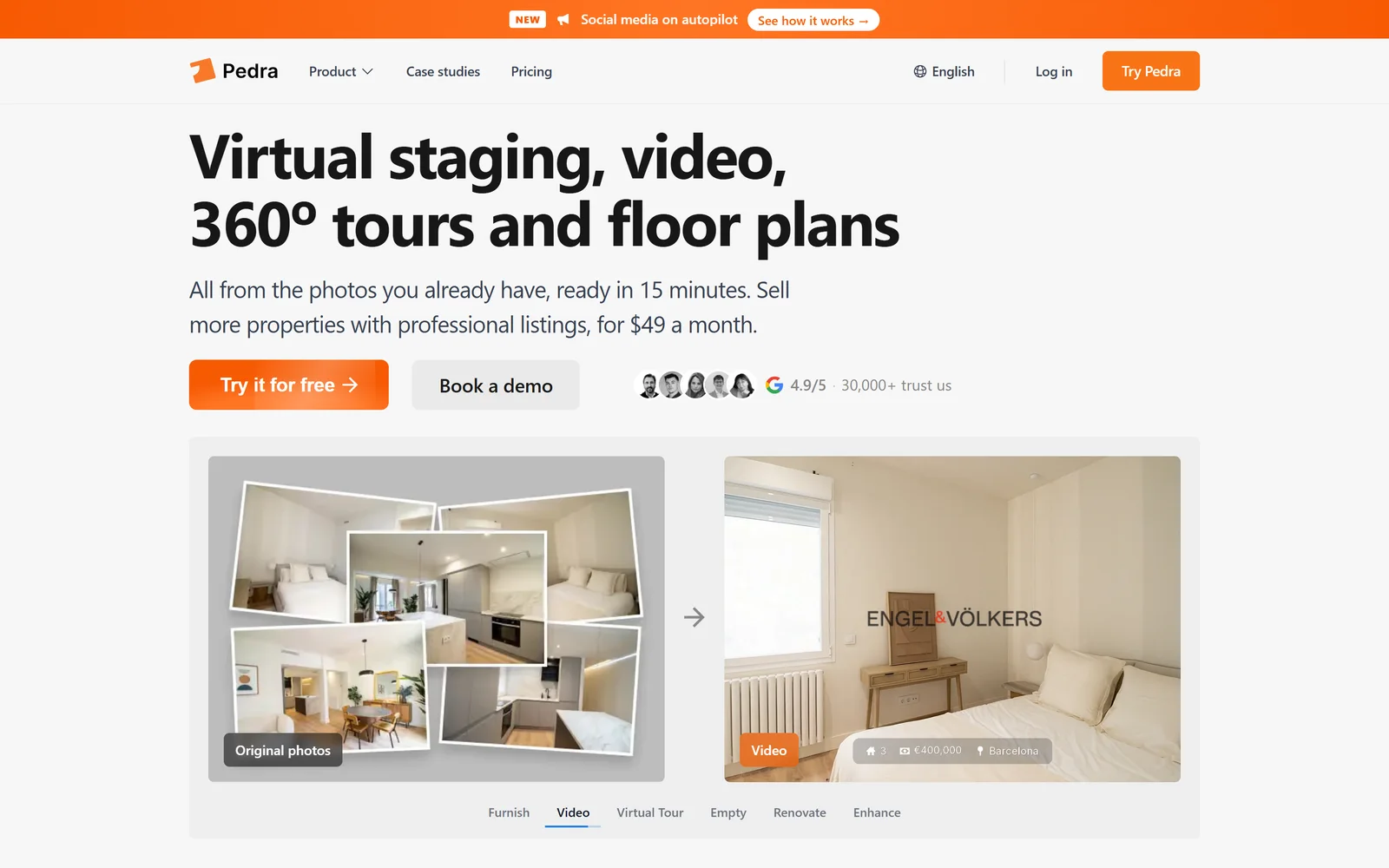
Pedra is an AI marketing platform built only for real estate. It turns listing photos into staged, emptied or renovated rooms, and adds videos, 360° tours and floor plans.
Key features
- Staging, emptying, renovation: 1 credit each.
- Unlimited videos: With voiceover, music and branding.
- 360° tours: With staging inside the tour.
- Portal publishing: Direct to portals and social media.
Pros
- About €0.15–€0.29 per staged photo
- 7 free credits, no card
- Videos and tours included
Cons
- Priced in euros
- One plan, so less flexibility for occasional use
- No public turnaround time
Pricing
- Pro monthly: €29/month (100 credits)
- Pro annual: €239/year (1,200 credits)
- Extra credits: from €52 for 200
Sources: pedra.ai · pedra.ai/pricing · trustpilot.com/review/pedra.ai. Checked October 9, 2026; prices change, so confirm before buying.
7. PhotoUp
Best for: Real estate photographers who already buy editing credits

PhotoUp is a credit-based platform for photo editing, floor plans, websites and tours. Its virtual staging is now AI self-serve and returns three options per image in a couple of minutes.
Key features
- Three options per image: Pick the best staging result.
- Declutter first: Remove existing furniture before staging.
- Free revisions: Up to 10 within 5 days.
- Optional watermark: A 'Virtually Staged' label.
Pros
- 5 free credits, no card
- Same credits cover editing and floor plans
- Optional dedicated human editors
Cons
- About $3.30–$4.50 per staged photo on demand
- Only five staging styles
- Regeneration is disabled once you download
Pricing
- AI staging: 3+ credits per image
- Credits: $1.50 each on demand, $1.10–$1.30 in packs
- Plans: Starter, Pro and Growth from $39/month
Sources: photoup.net/virtual-staging · photoup.net/virtual-staging/pricing · support.photoup.net/en/articles/11428711-ai-virtual-staging. Checked October 9, 2026; prices change, so confirm before buying.
8. Stager AI
Best for: Agents who want staging and HDR editing in a phone app

Stager AI bundles instant staging with AI photo editing, AI video and floor plan renders, on the web and iOS.
Key features
- Staging in under 60 seconds: With style presets.
- Declutter and renovation: Virtual declutter and remodel.
- HDR editing: Window pulls, white balance and lens correction.
- AI video: From up to 15 photos.
Pros
- Free staging preview
- Editing and staging in one app
- iOS app
Cons
- Prices were only visible as App Store in-app purchases
- The developer says multi-angle consistency is still being improved
- Only 35 App Store ratings
Pricing
- Basic: $24.99/month
- Agent: $29.99/month
- Pro: $49.99/month
- Yearly: $199.99–$499
Sources: stagerai.com · stagerai.com/pricing · apps.apple.com/us/app/id6444597037. Checked October 9, 2026; prices change, so confirm before buying.
How to choose the right Interior AI alternative
The right tool depends less on feature lists and more on how you list homes: how many photos, how fast, and how much you want to spend per photo.
- Fast, low-cost staging for every listing: Pick an AI self-serve tool such as Stagingmate, Virtual Staging AI or Collov AI. Results arrive in seconds or minutes, at a fraction of a per-photo service price.
- Occasional use: Pick a tool with pay-as-you-go credits or packs so you're not paying a subscription between listings, for example Stagingmate, Apply Design or ReimagineHome.
- Photographers adding staging to a shoot: Pick a tool that fits your editing workflow and lets you resell staging per photo, such as Stagingmate or PhotoUp.
Why agents switch from Interior AI to Stagingmate
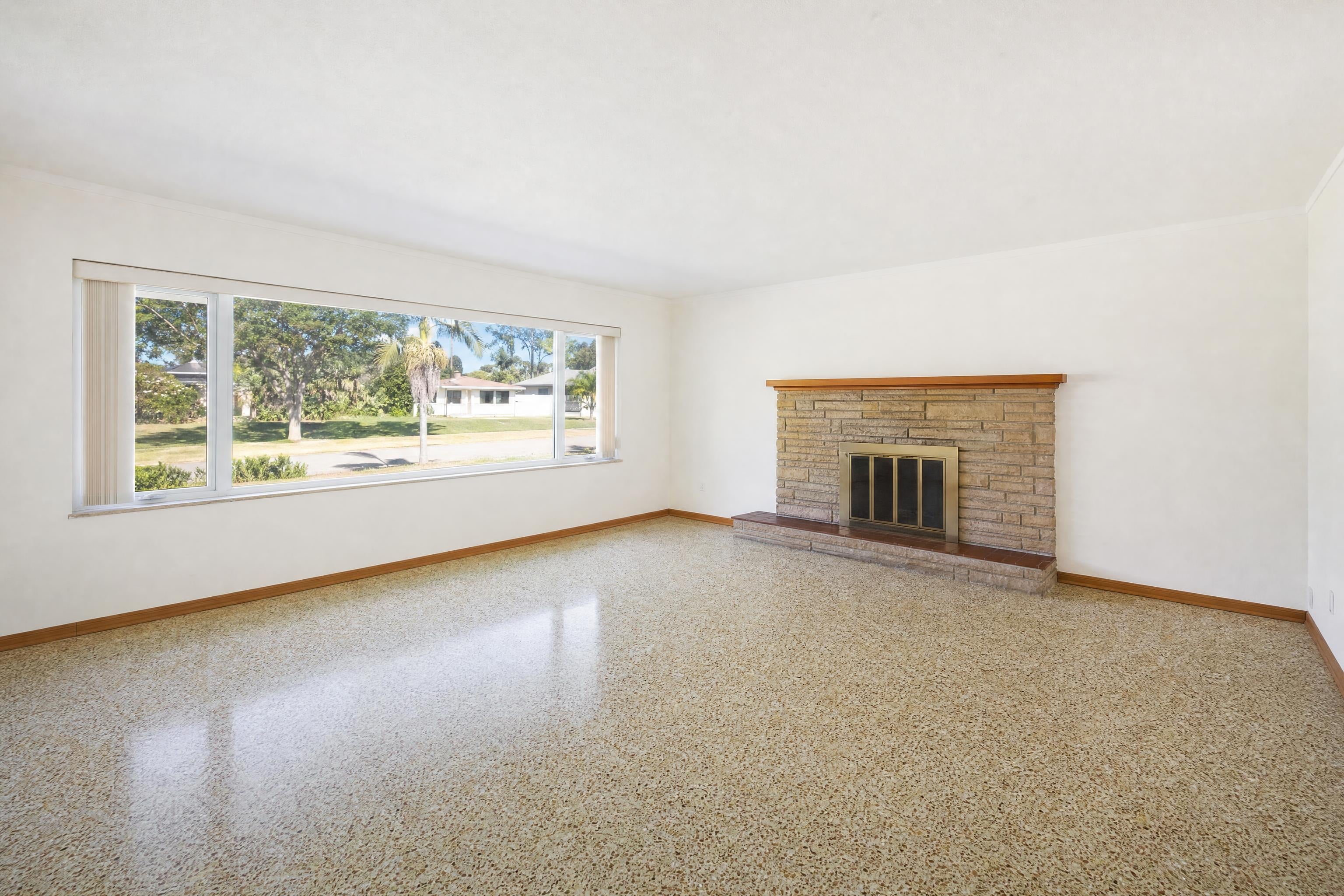
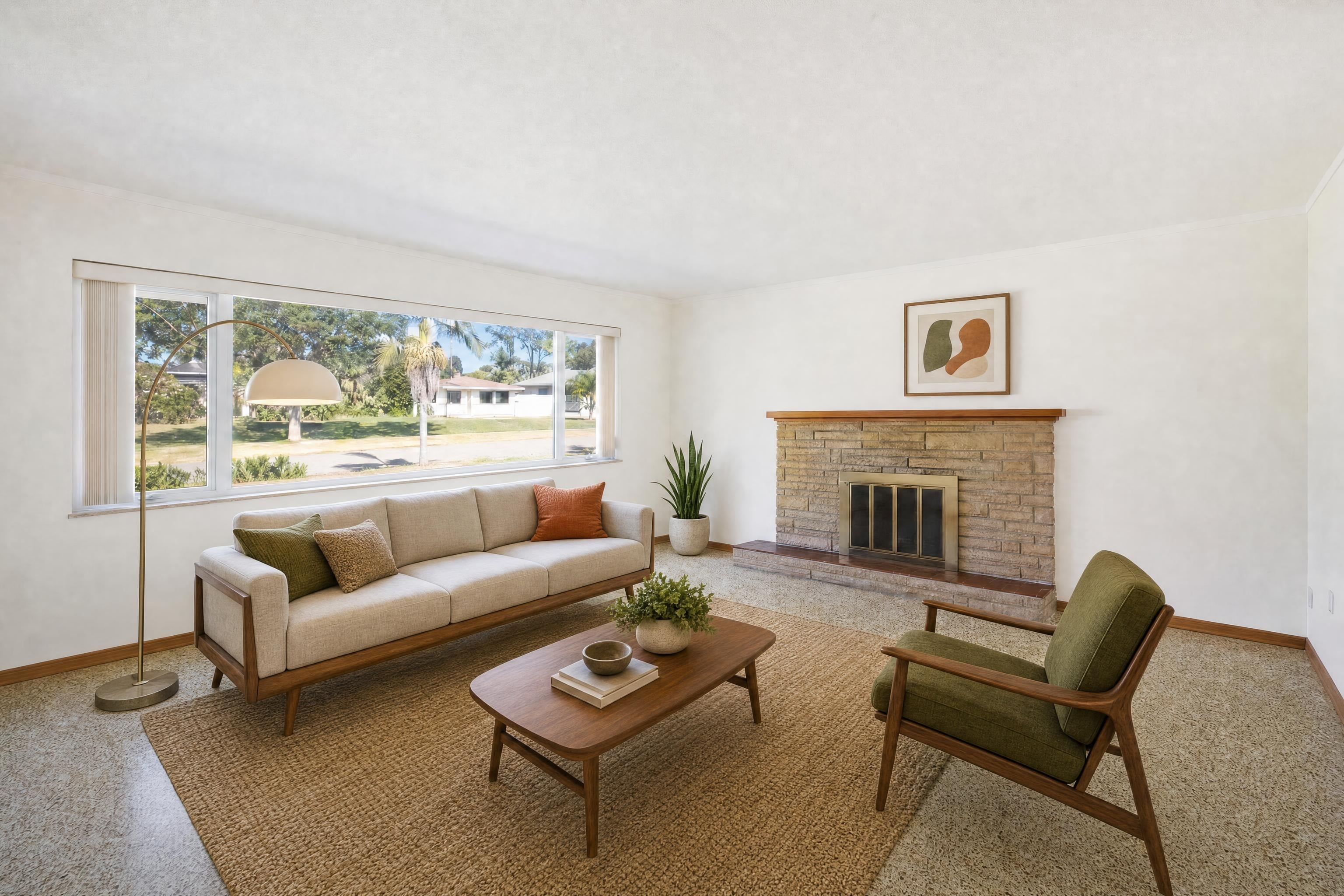
Stagingmate is built for one job: staging listing photos. Upload a room, pick a style, and download a watermark-free, MLS-ready image in under a minute.
Every plan shows the price per photo, decluttering is included, and your first 3 photos are free.
Frequently asked questions
1. What is the best Interior AI alternative?
For listing photos, Stagingmate: staged images in under a minute, 3 free photos, and a clear price per photo. Virtual Staging AI is the next one we'd try: best for agents who want a well-known AI staging subscription and are happy to bill yearly.
2. How much does Interior AI cost?
As of October 9, 2026, Interior AI's published pricing included Pro at $49 per month, Premium at $99 per month, Ultra at $199 per month, plus higher tiers. Check Interior AI's site for current prices.
3. Is Interior AI free?
Interior AI didn't list a free option when we checked. Stagingmate gives you 3 free photos with no card.
4. Does Interior AI have a free trial?
Interior AI didn't list a free option when we checked. Stagingmate gives you 3 free photos with no card.
5. Does Interior AI use AI for virtual staging?
Yes. Interior AI is self-serve AI: you upload a photo and the software stages it.
6. What do Interior AI reviews say?
On Trustpilot, Interior AI was rated 2.1/5 from 10 reviews. The most common complaint: difficulty cancelling and getting refunds, unexpected charges; some cite lack of a free trial. Trustpilot notes the company has not invited reviews.
7. Is Interior AI still worth using?
If its output, price and turnaround work for your listings, yes. Most agents who switch do it for a lower price per photo, faster turnaround, or a free trial on their own photos.